• New dashboard navigation available

    Dash - DarkDash - Dark

    A redesign of the navigation in the dashboard is now available as an opt-in experience. This new navigation maintains full functionality while streamlining access to your most-used features.

    • New Sidebar — Moved horizontal tabs to a resizable sidebar that can be hidden when not needed

    • Consistent Tabs — Unified sidebar navigation with consistent links across team and project levels

    • Improved Order — Reordered navigation items to prioritize the most common developer workflows

    • Projects as Filters — Switch between team and project versions of the same page in one click

    • Optimized for Mobile — New mobile navigation featuring a floating bottom bar optimized for one-handed use

    Try the new navigation today before it rolls out to all users.

  • Filesystem snapshots supported on Vercel Sandboxes

    Vercel Sandbox now supports filesystem snapshots to capture your state. You can capture a Sandbox's complete filesystem state as a snapshot and launch new Sandboxes from that snapshot using the Sandbox API.

    This eliminates repeated setup when working with expensive operations like dependency installation, builds, or fixture creation. Create the environment once, snapshot it, then reuse that exact filesystem state across multiple isolated runs.

    Link to headingHow snapshots work

    Snapshots capture the entire filesystem of a running Sandbox. New Sandboxes can launch from that snapshot, providing immediate access to pre-installed dependencies and configured environments.

    Link to headingKey capabilities

    • Create a snapshot from any running Sandbox with sandbox.snapshot()

    • Launch new Sandboxes from snapshots via source: { type: 'snapshot', snapshotId }

    • Reuse the same snapshot with multiple Sandboxes for parallel testing and experimentation

    import { Sandbox } from '@vercel/sandbox';
    const sandbox = await Sandbox.create();
    await sandbox.writeFiles([{
    path: '/vercel/sandbox/hello',
    content: Buffer.from('Hello Vercel Sandbox and Snapshots'),
    }]);
    const snapshot = await sandbox.snapshot();
    const newSandbox = await Sandbox.create({
    source: { type: 'snapshot', snapshotId: snapshot.snapshotId },
    });
    for await (const chunk of await newSandbox.readFile({ path: '/vercel/sandbox/hello' })) {
    process.stdout.write(chunk);
    };

    See the documentation to get started with snapshots.

    +3

    Guðmundur B, Laurens D, Tom L, Andy W, Tiago V

  • AI Code Elements

    Today we're releasing a brand new set of components designed to help you build the next generation of IDEs, coding apps and background agents.

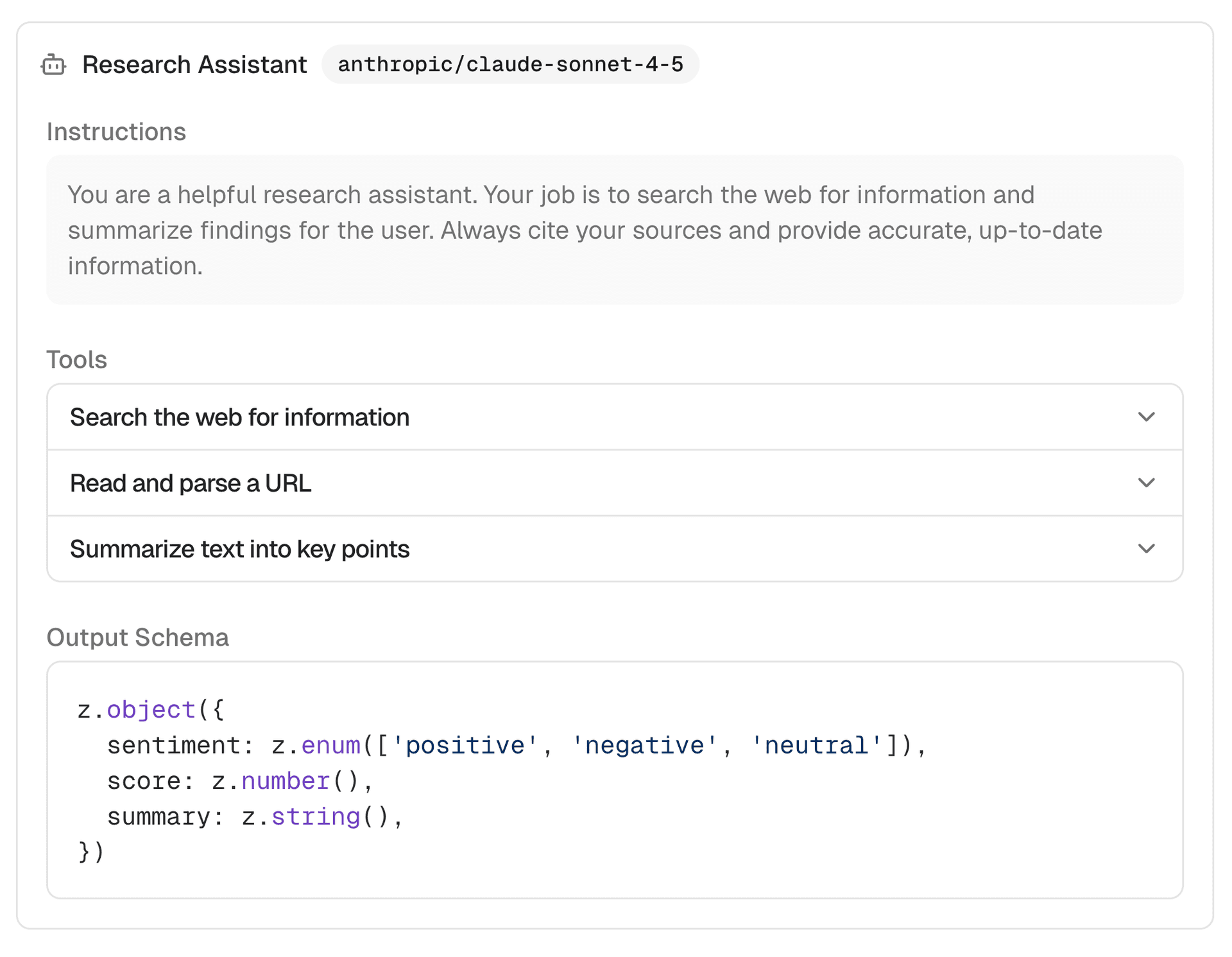
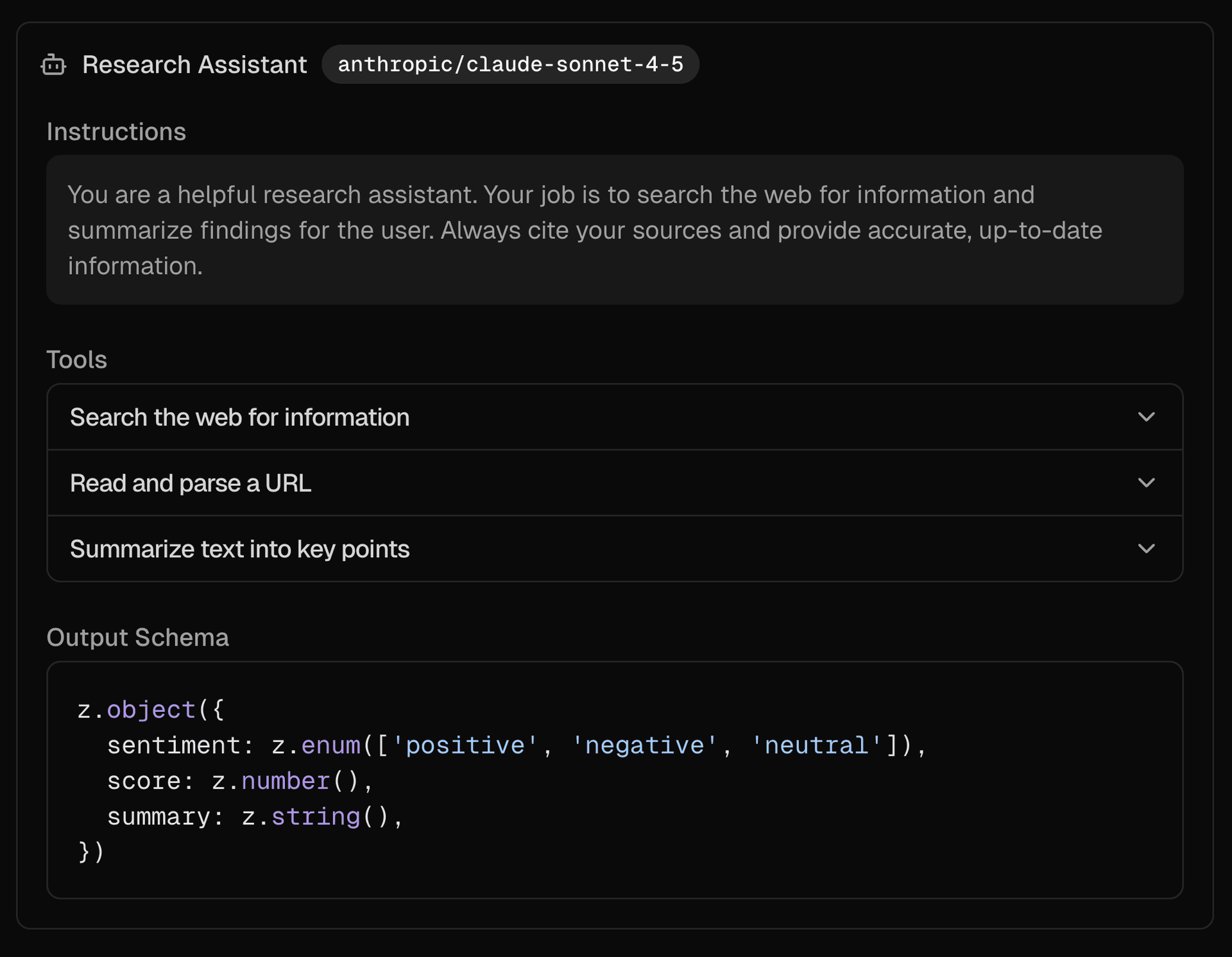
    Link to heading<Agent />

    A composable component for displaying an AI SDK ToolLoopAgent configuration with model, instructions, tools, and output schema.

    npx ai-elements add agent

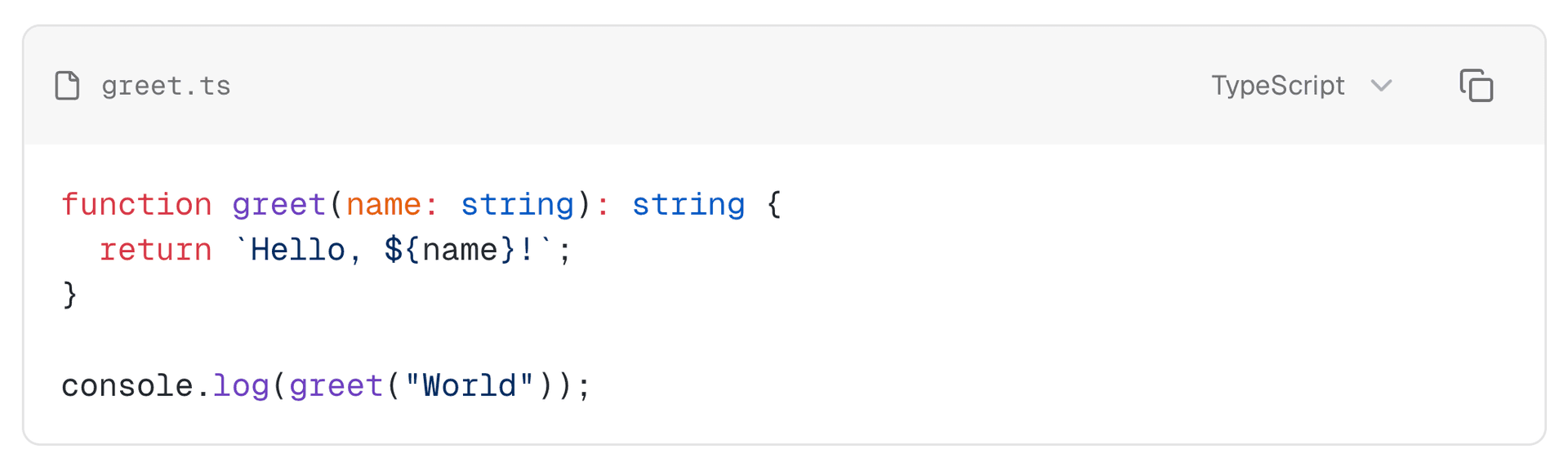
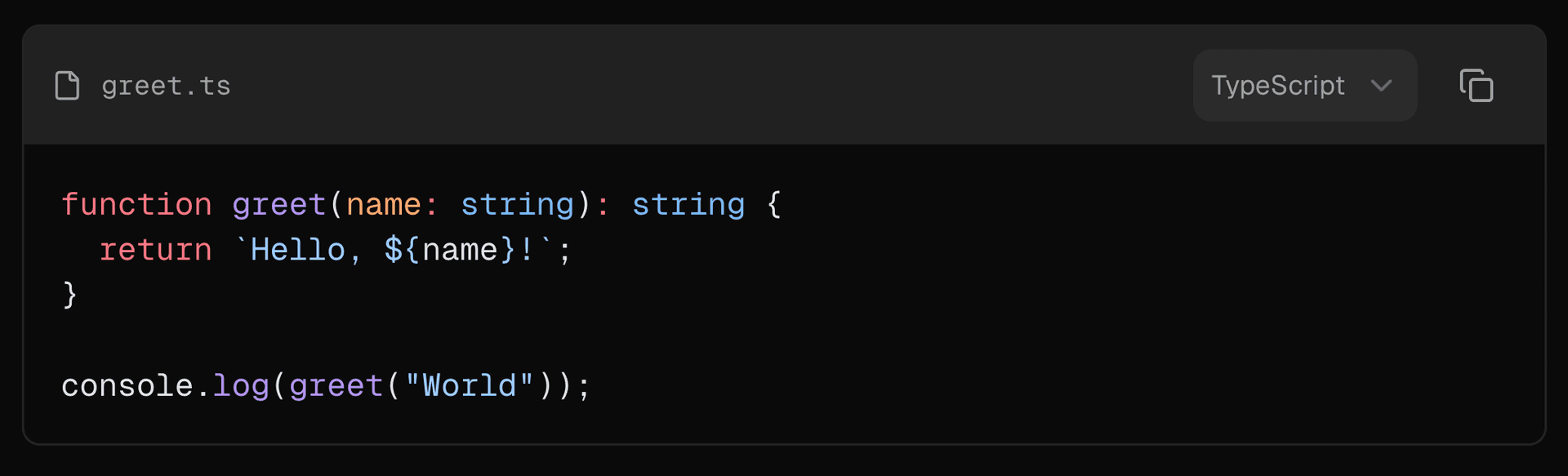
    Link to heading<CodeBlock />

    Building on what we've learned from Streamdown, we massively improved the code block component with support for a header, icon, filename, multiple languages and a more performant renderer.

    npx ai-elements add code-block

    Link to heading<Commit />

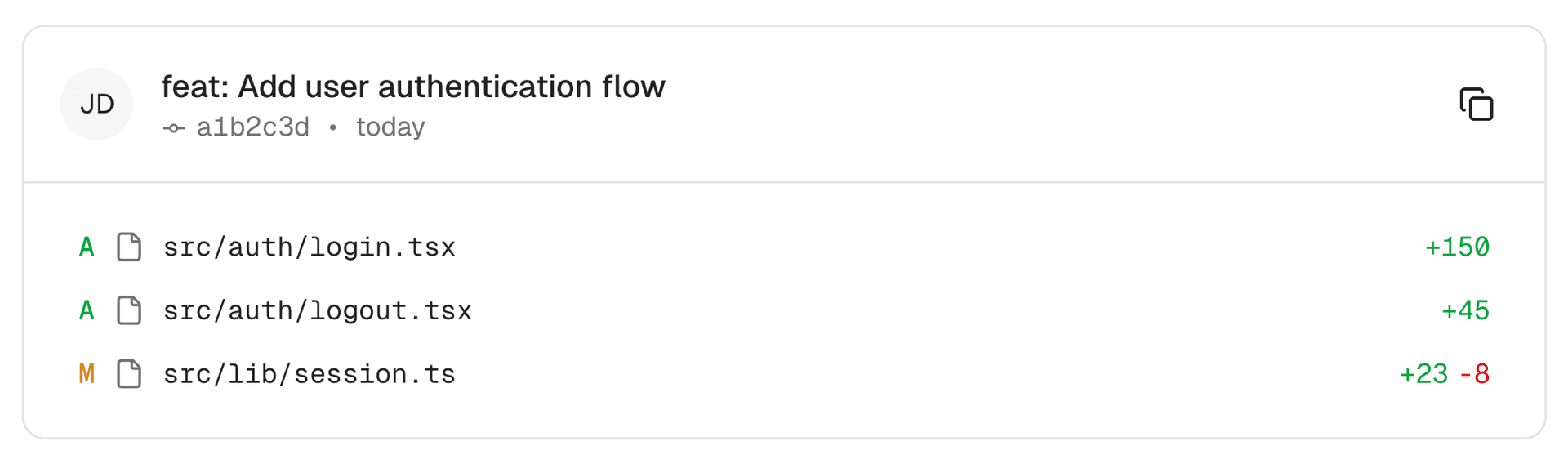
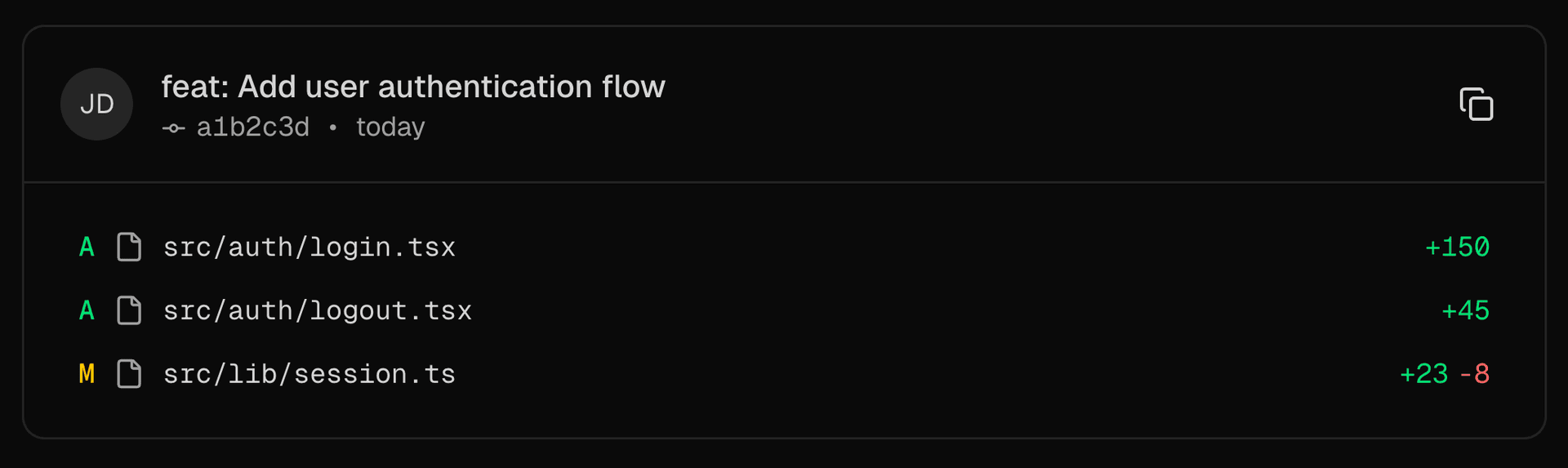
    The Commit component displays commit details including hash, message, author, timestamp, and changed files.

    npx ai-elements add commit

    Link to heading<EnvironmentVariables />

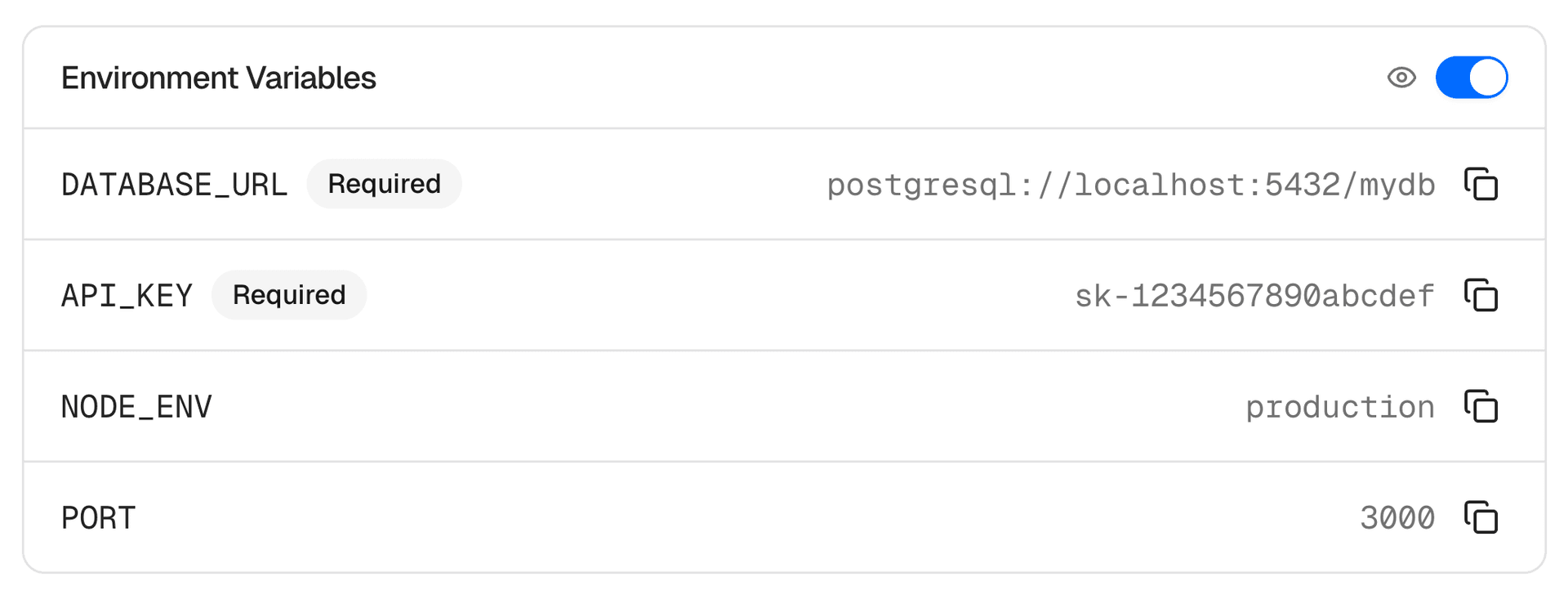
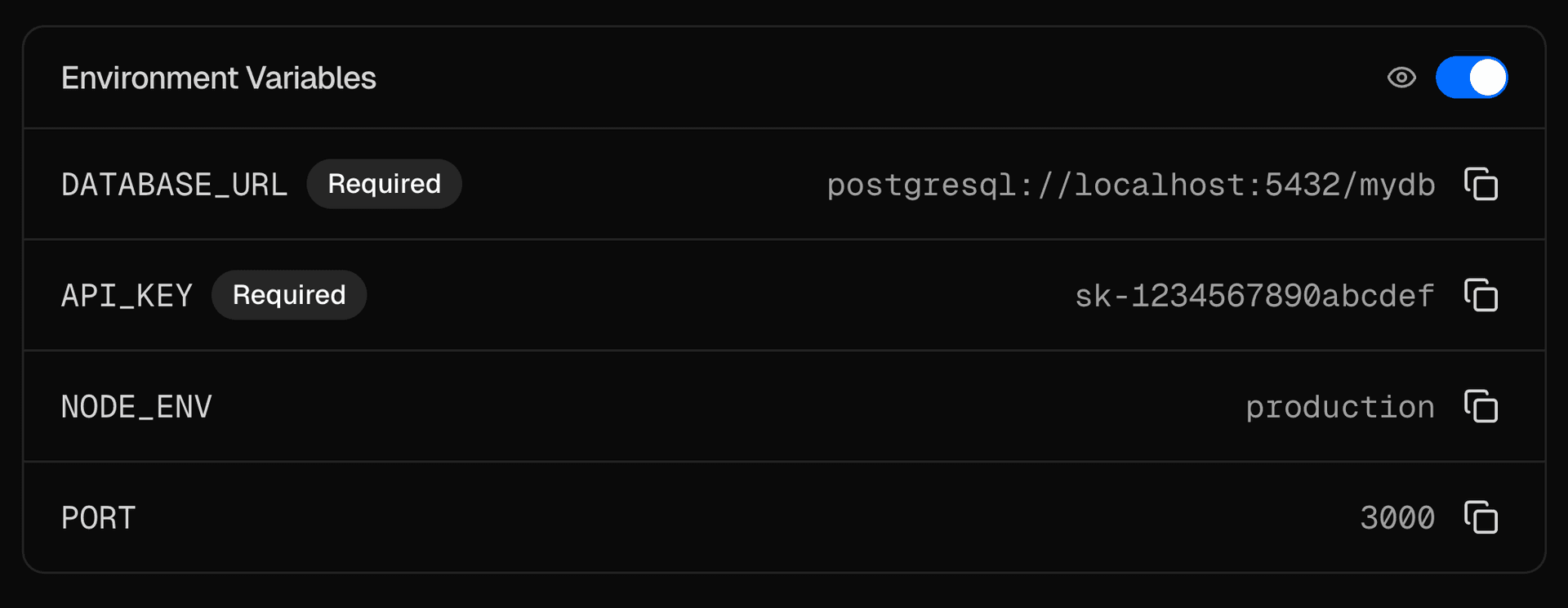
    The EnvironmentVariables component displays environment variables with value masking, visibility toggle, and copy functionality.

    npx ai-elements add environment-variables

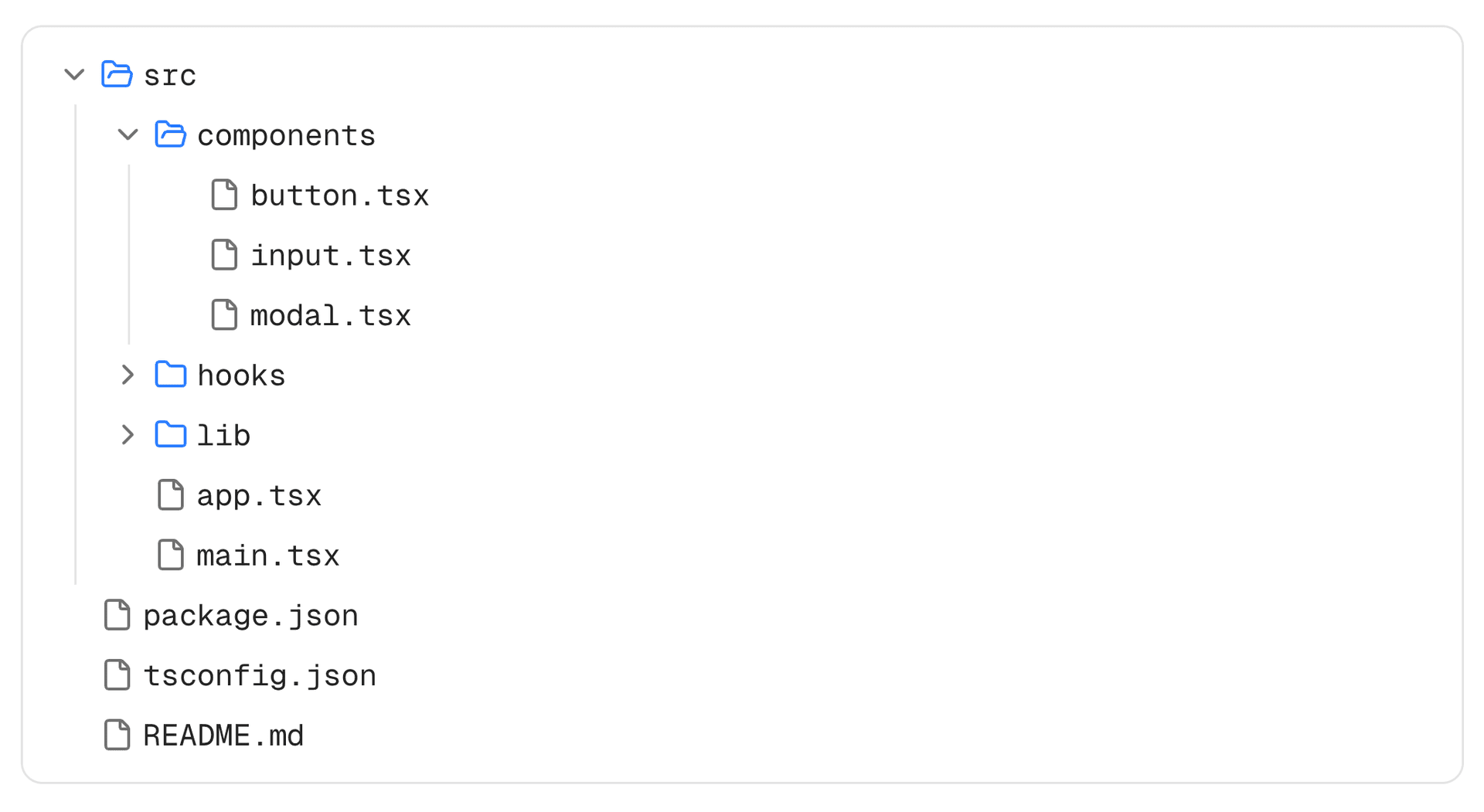
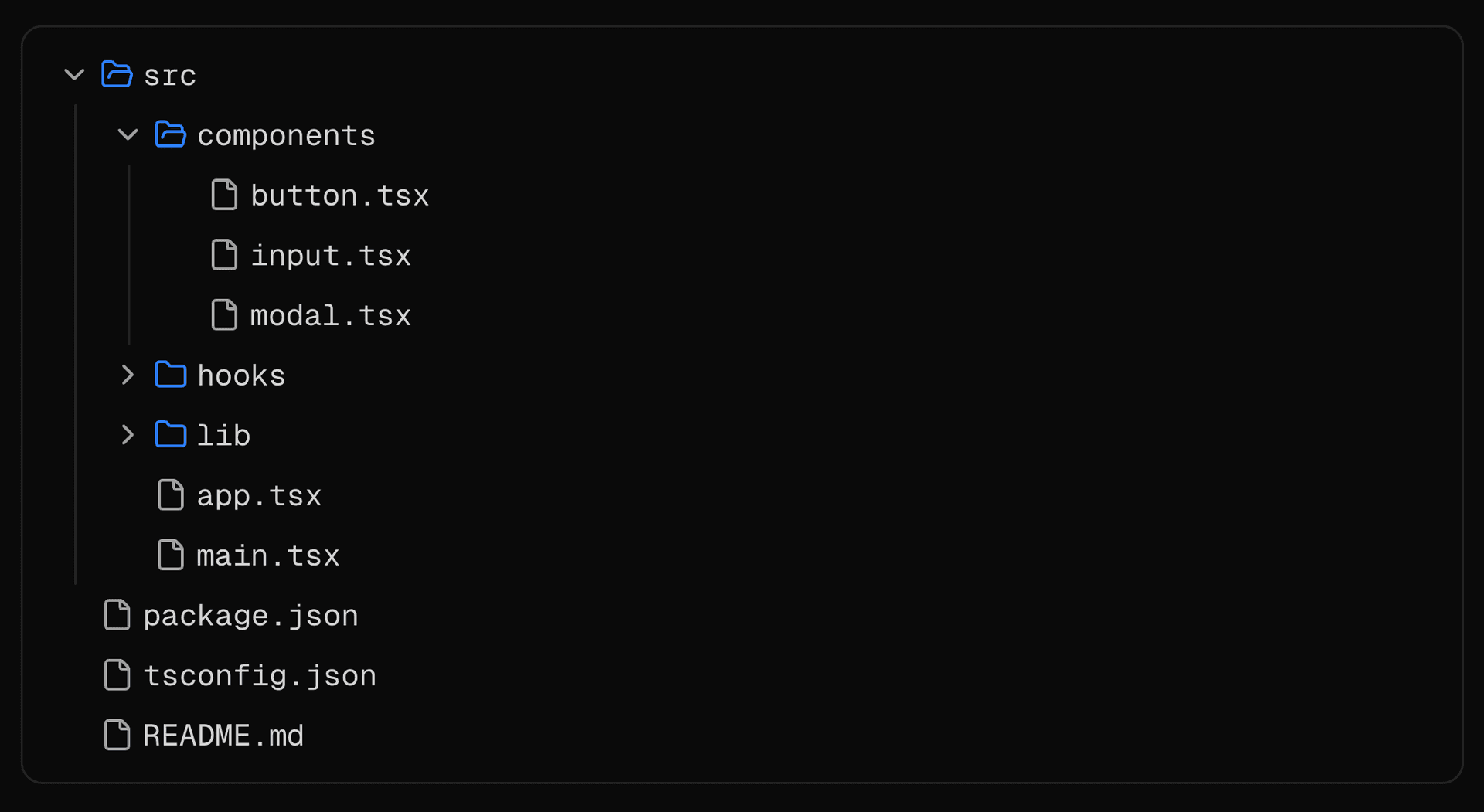
    Link to heading<FileTree />

    The FileTree component displays a hierarchical file system structure with expandable folders and file selection.

    npx ai-elements add file-tree

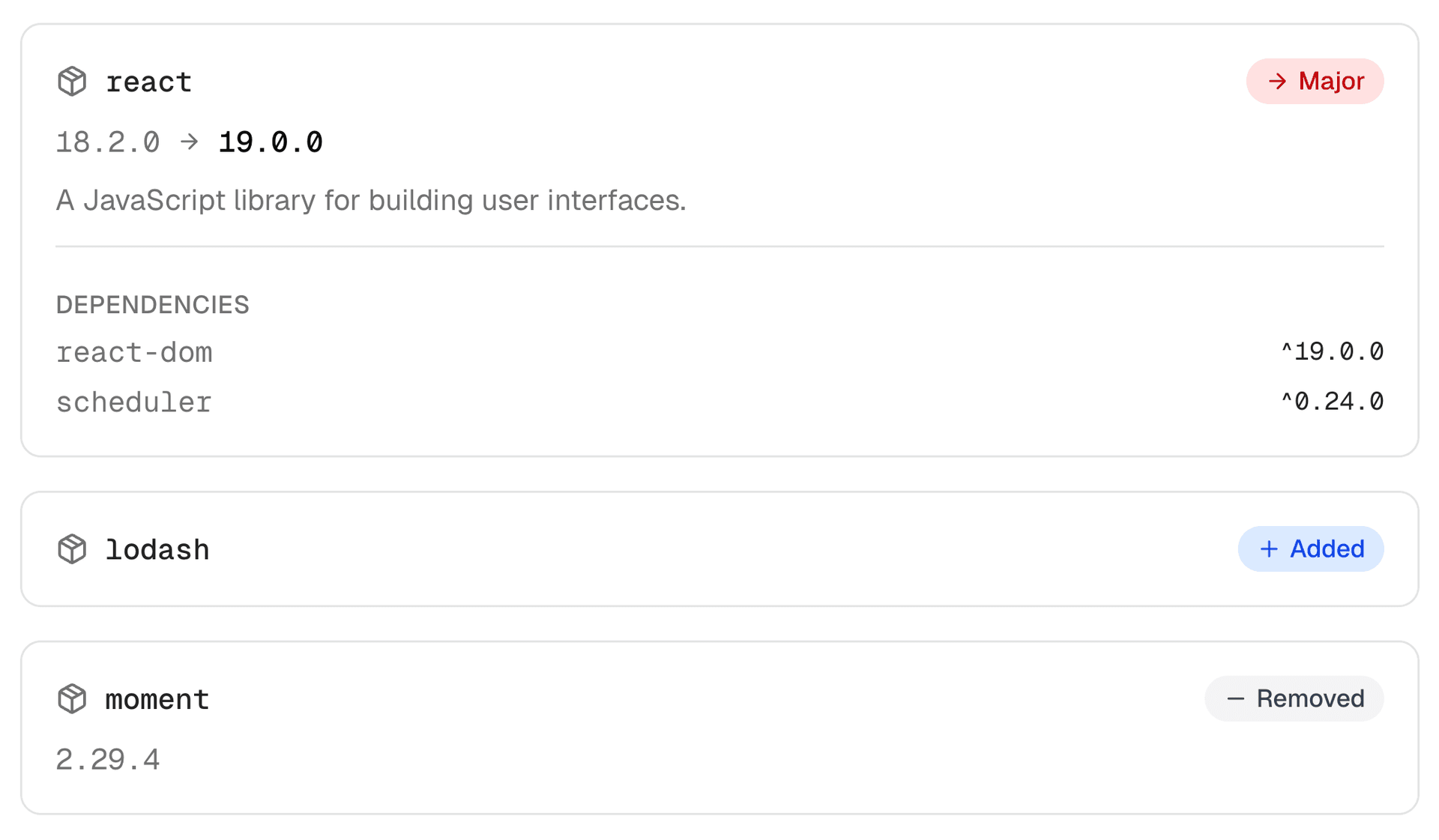
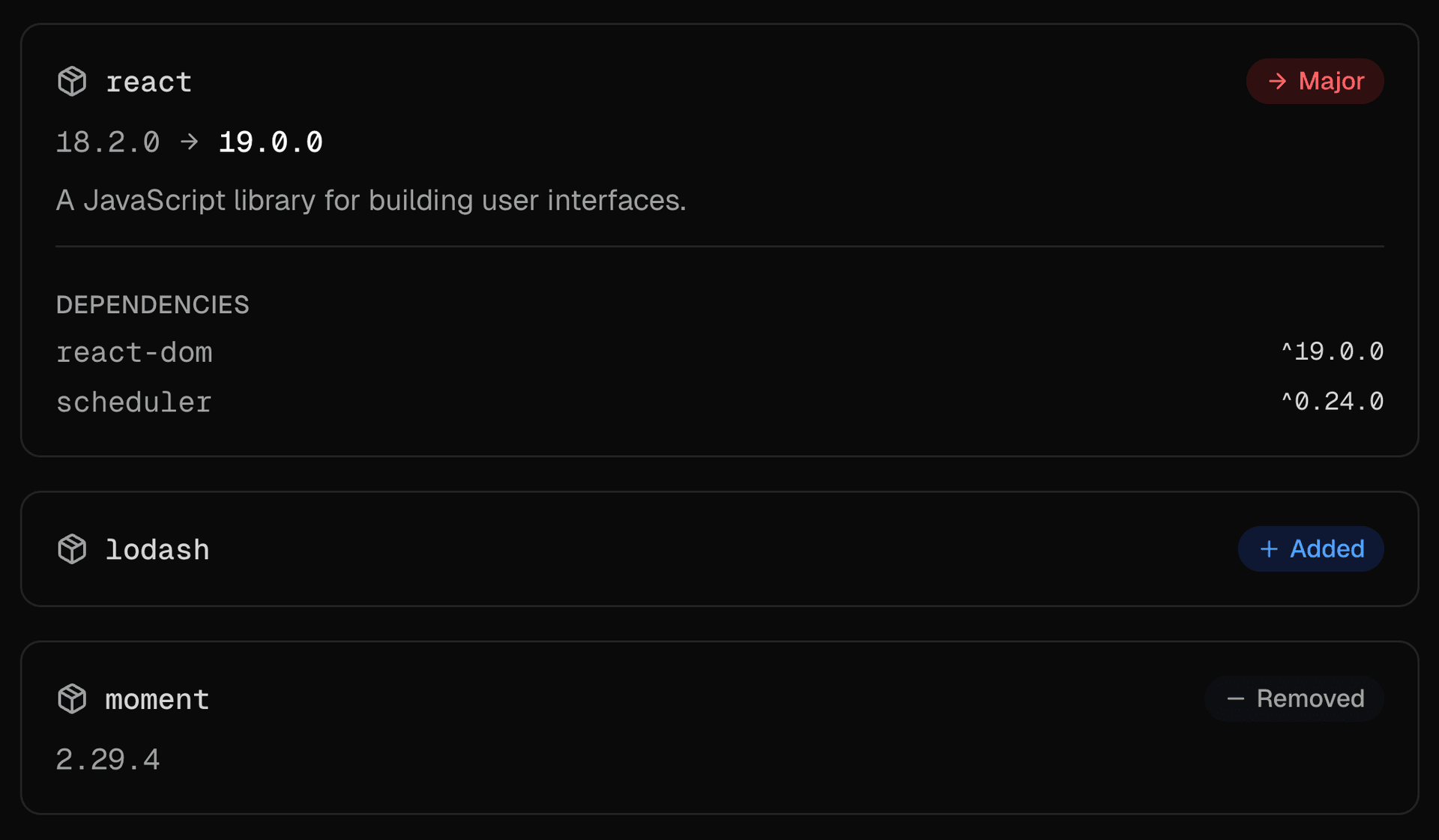
    Link to heading<PackageInfo />

    The PackageInfo component displays package dependency information including version changes and change type badges.

    npx ai-elements add package-info

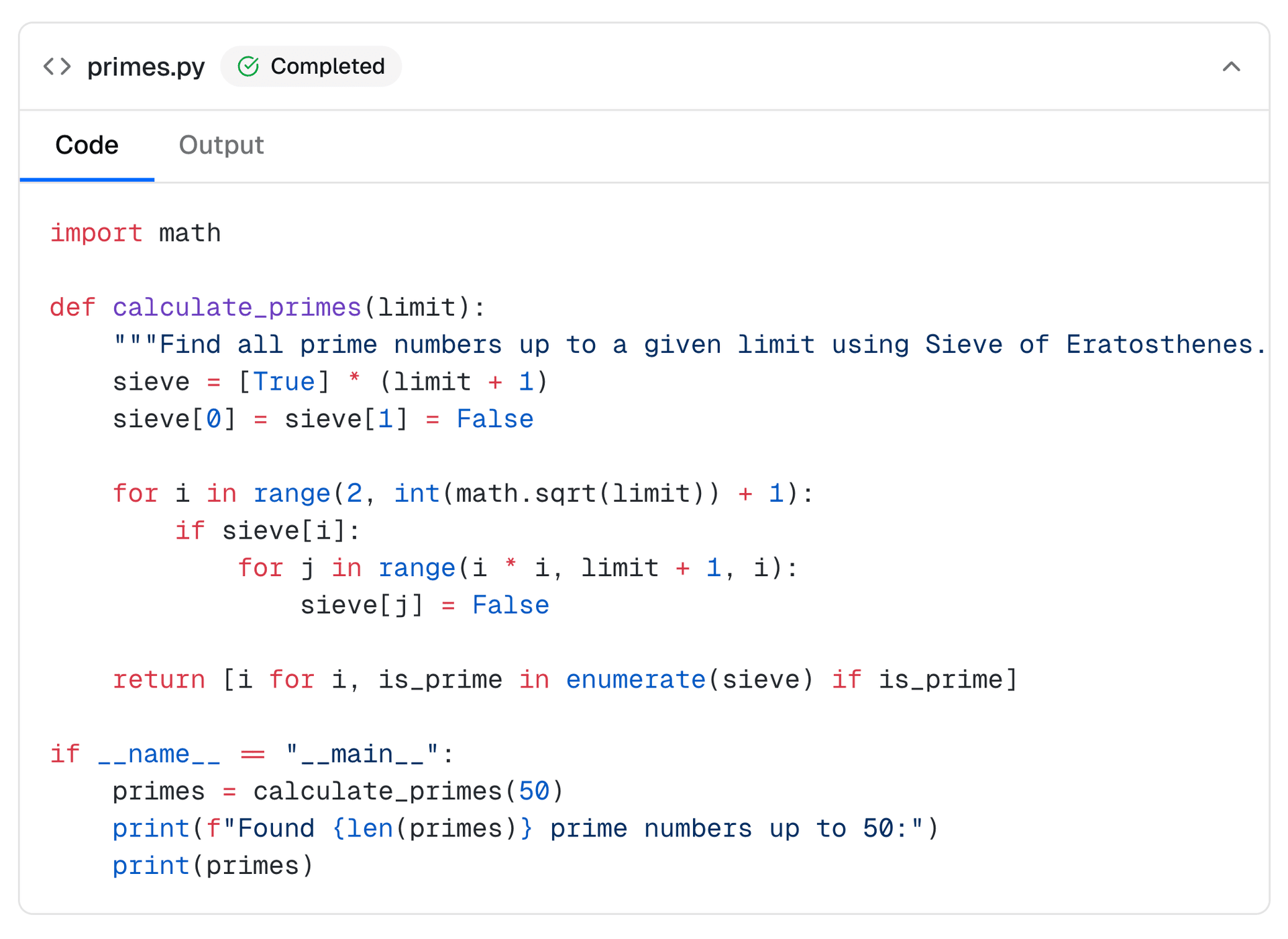
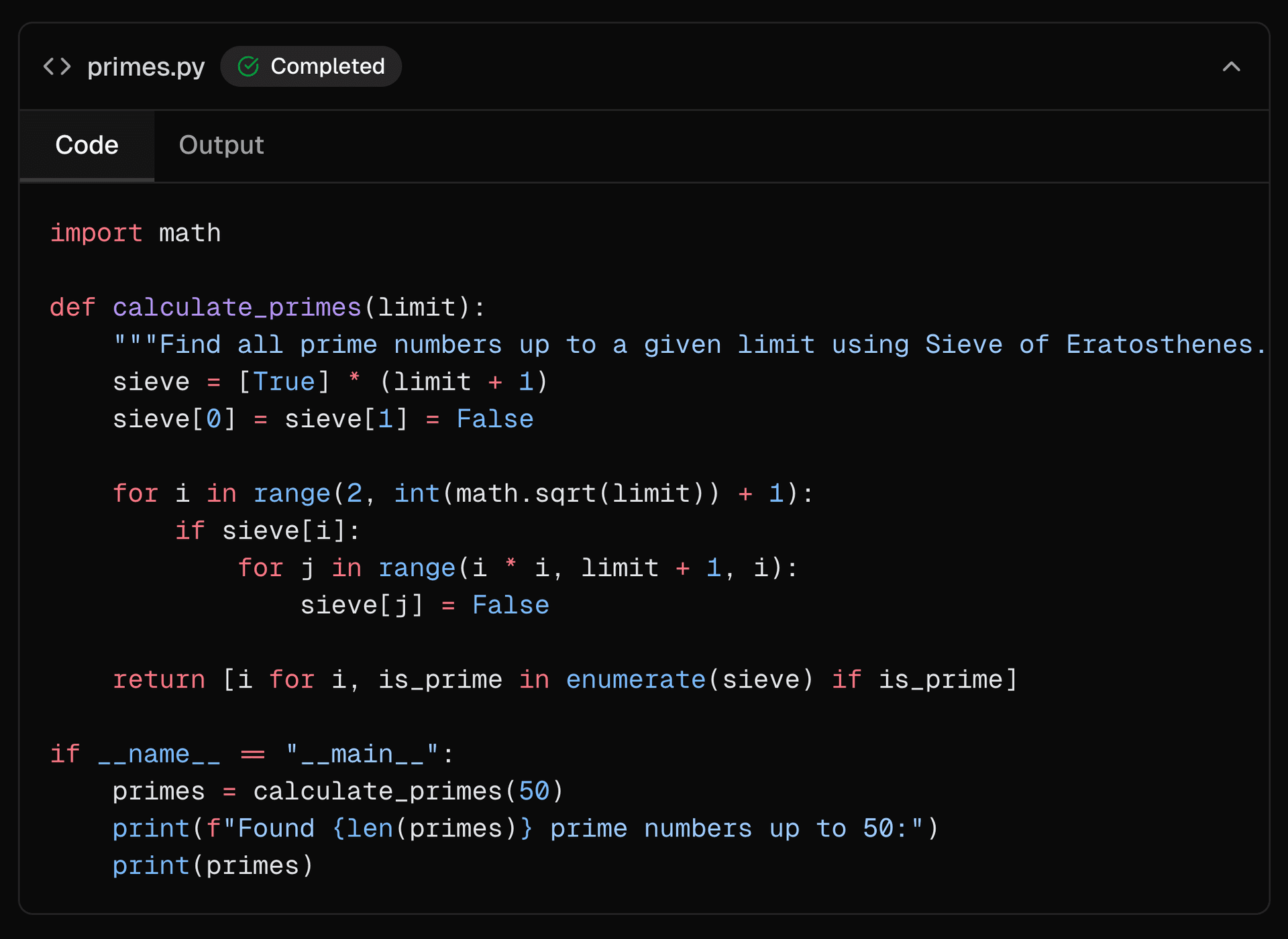
    Link to heading<Sandbox />

    The Sandbox component provides a structured way to display AI-generated code alongside its execution output in chat conversations. It features a collapsible container with status indicators and tabbed navigation between code and output views.

    npx ai-elements add sandbox

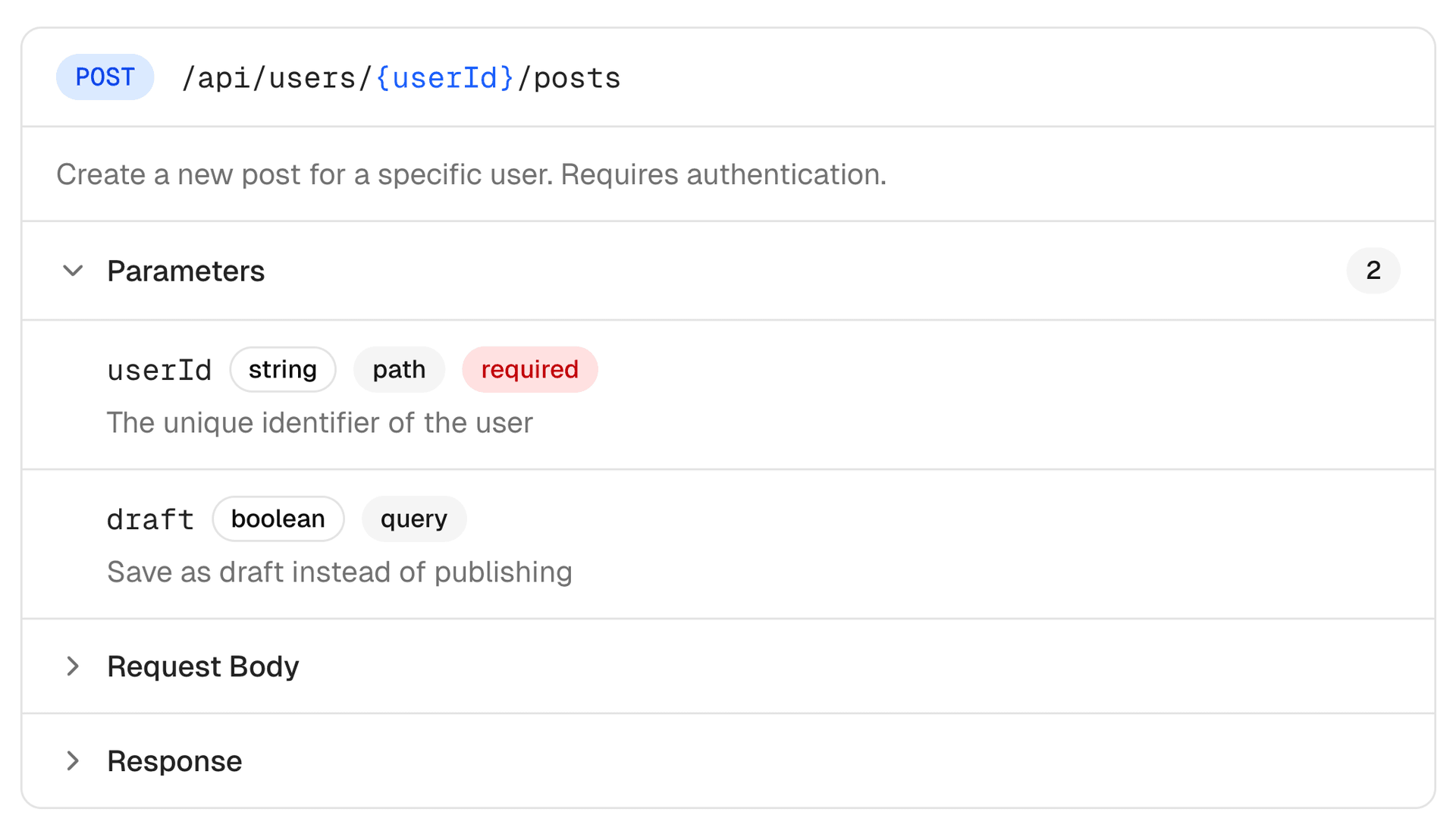
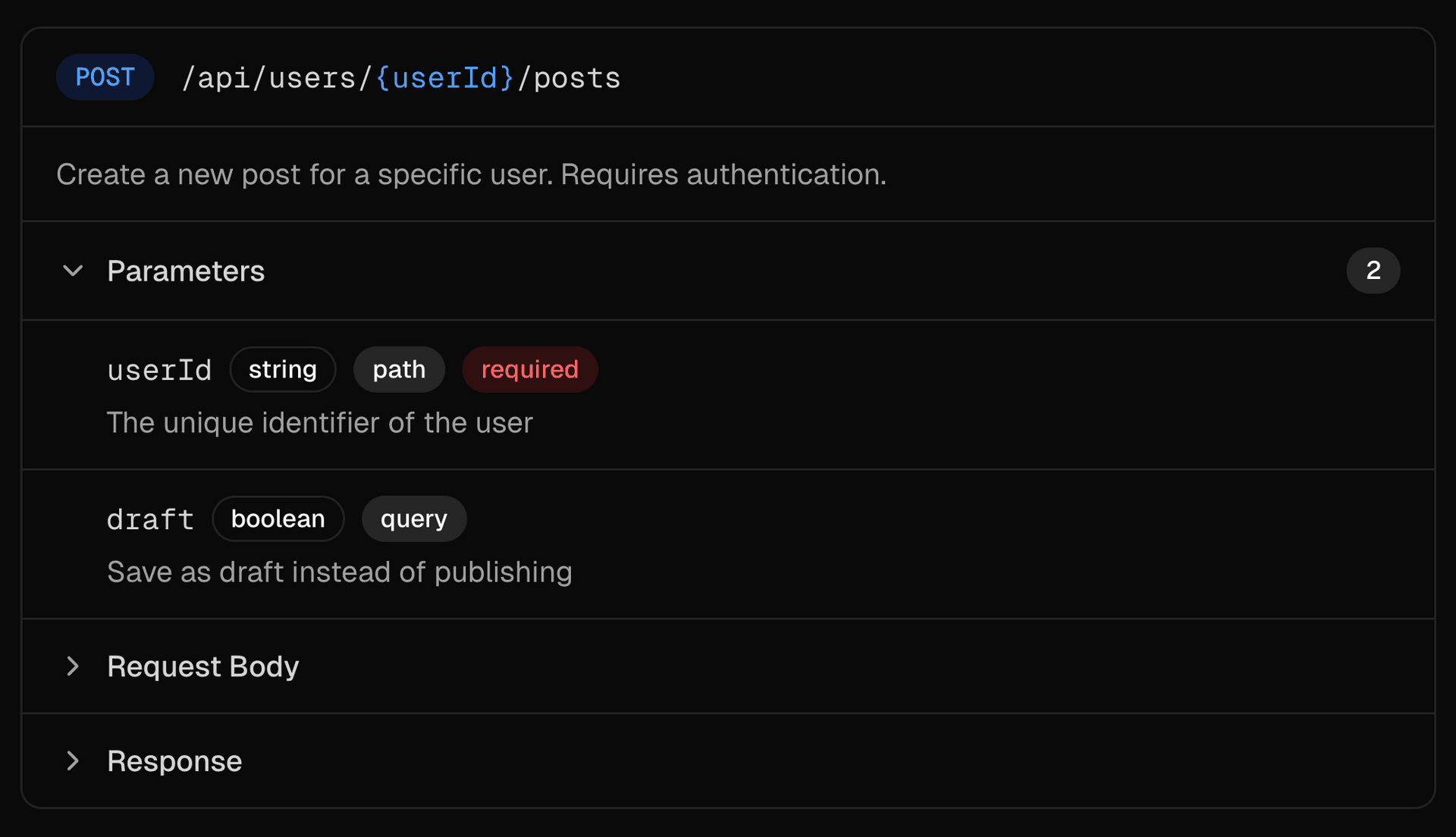
    Link to heading<SchemaDisplay />

    The SchemaDisplay component visualizes REST API endpoints with HTTP methods, paths, parameters, and request/response schemas.

    npx ai-elements add schema-display

    Link to heading<Snippet />

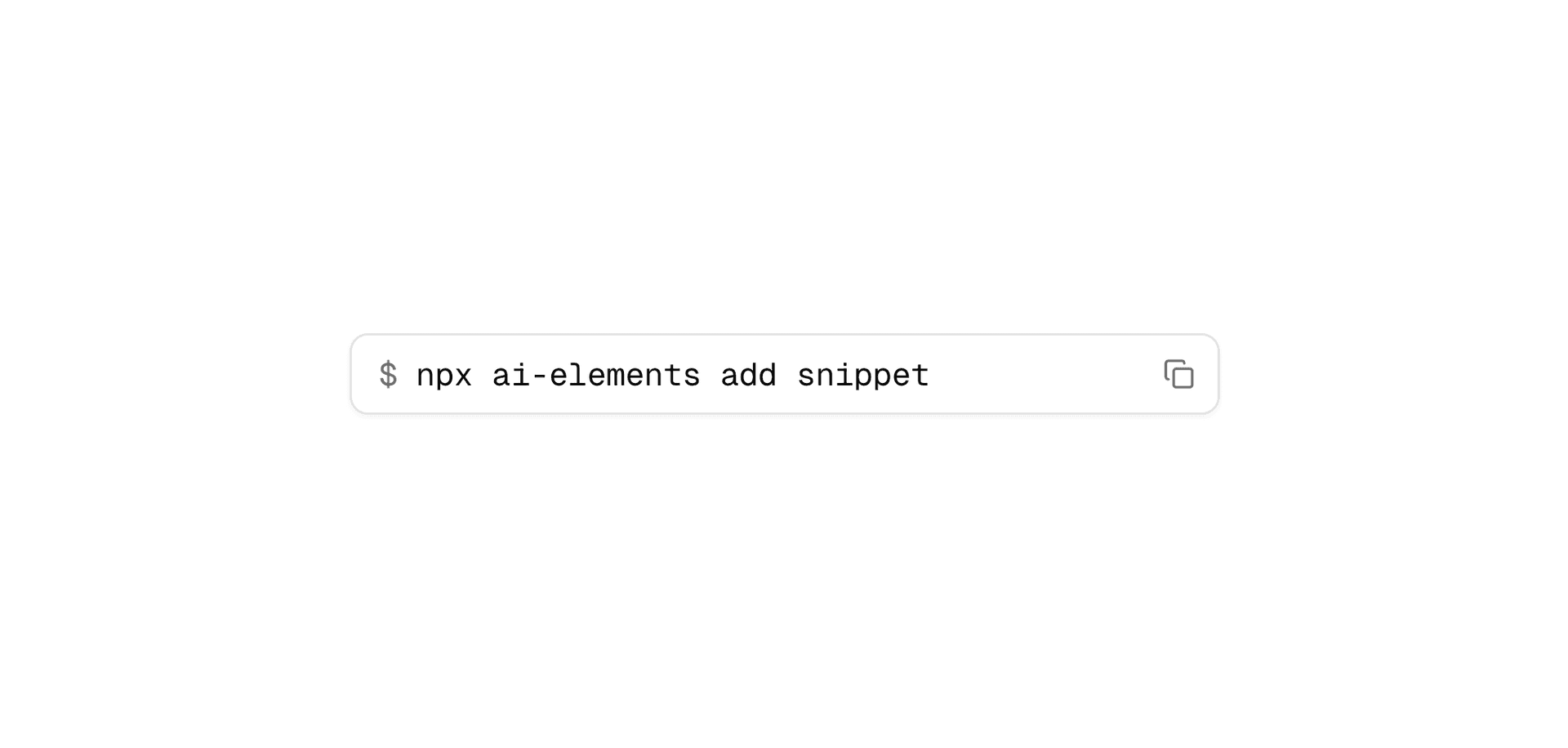
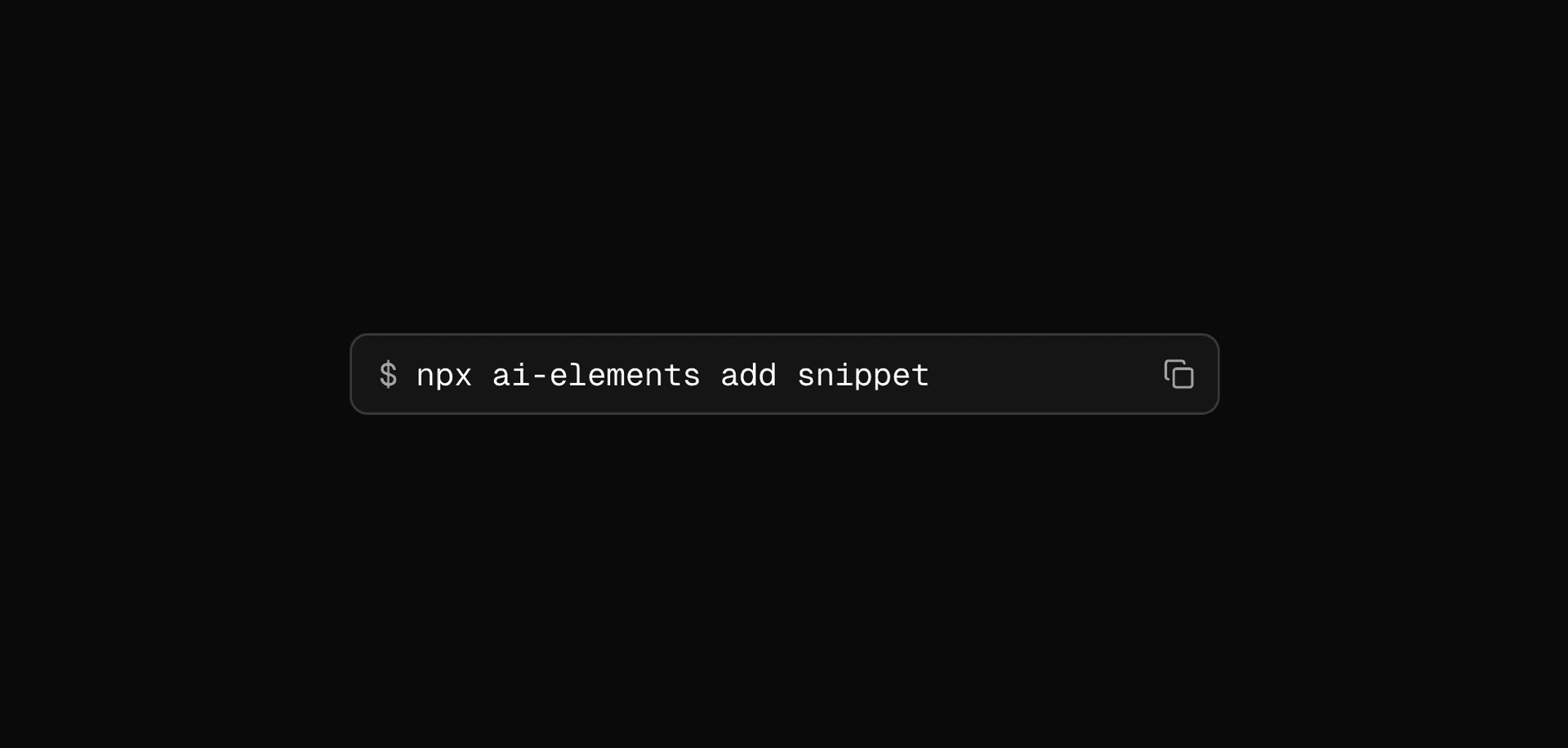
    The Snippet component provides a lightweight way to display terminal commands and short code snippets with copy functionality. Built on top of shadcn/ui InputGroup, it's designed for brief code references in text.

    npx ai-elements add snippet

    Link to heading<StackTrace />

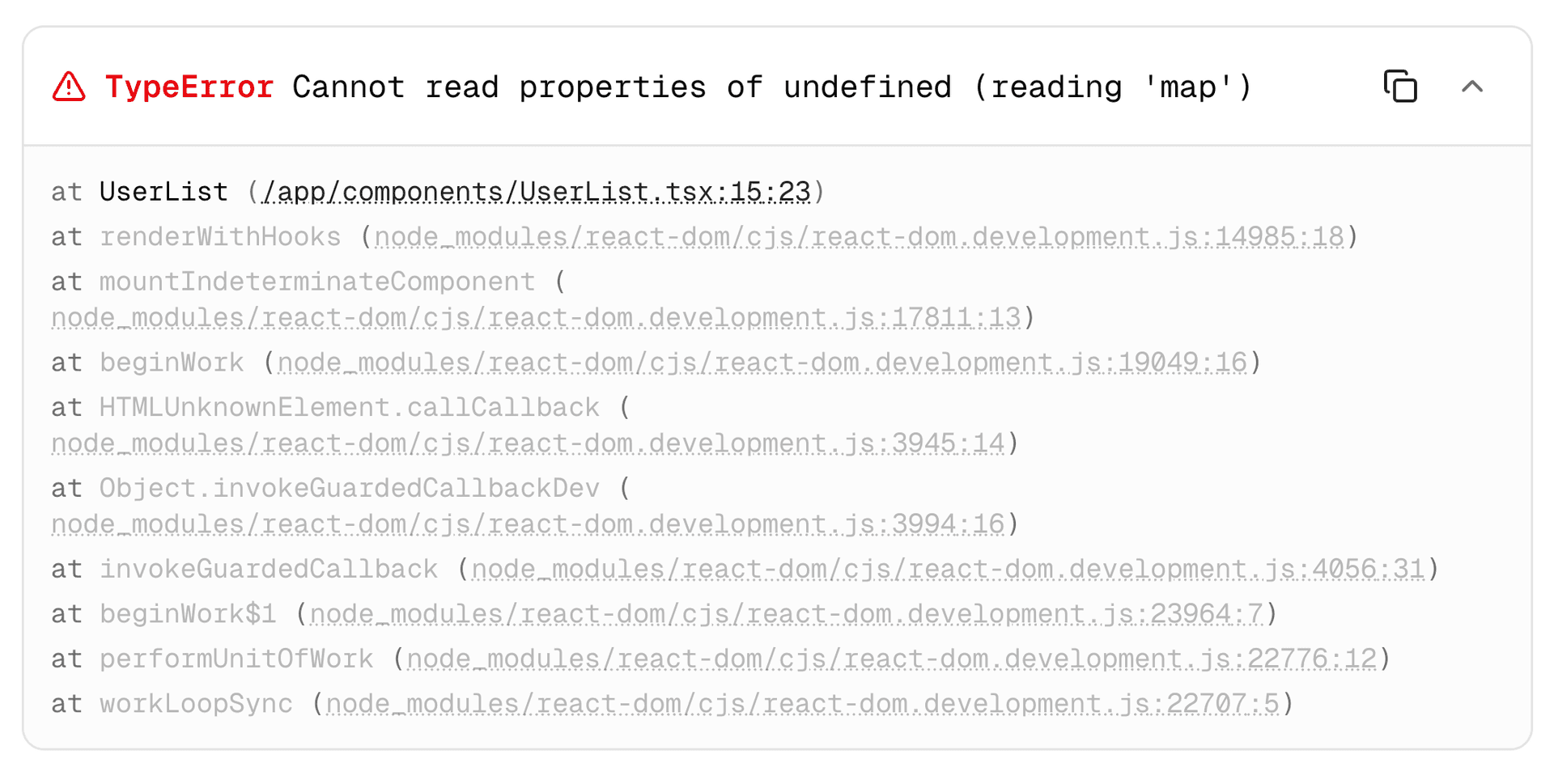
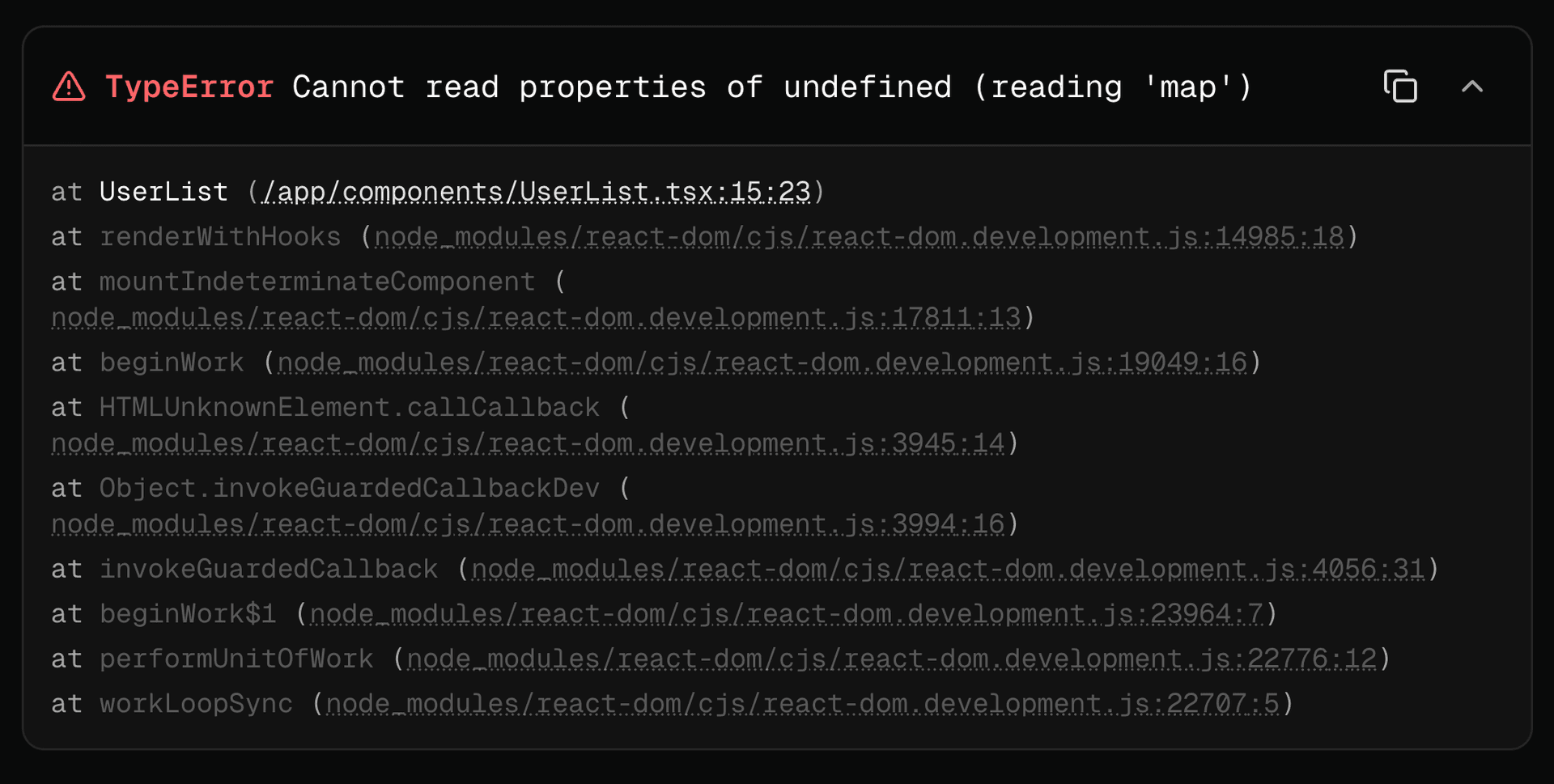
    The StackTrace component displays formatted JavaScript/Node.js error stack traces with clickable file paths, internal frame dimming, and collapsible content.

    npx ai-elements add stack-trace

    Link to heading<Terminal />

    The Terminal component displays console output with ANSI color support, streaming indicators, and auto-scroll functionality.

    npx ai-elements add terminal

    Link to heading<TestResults />

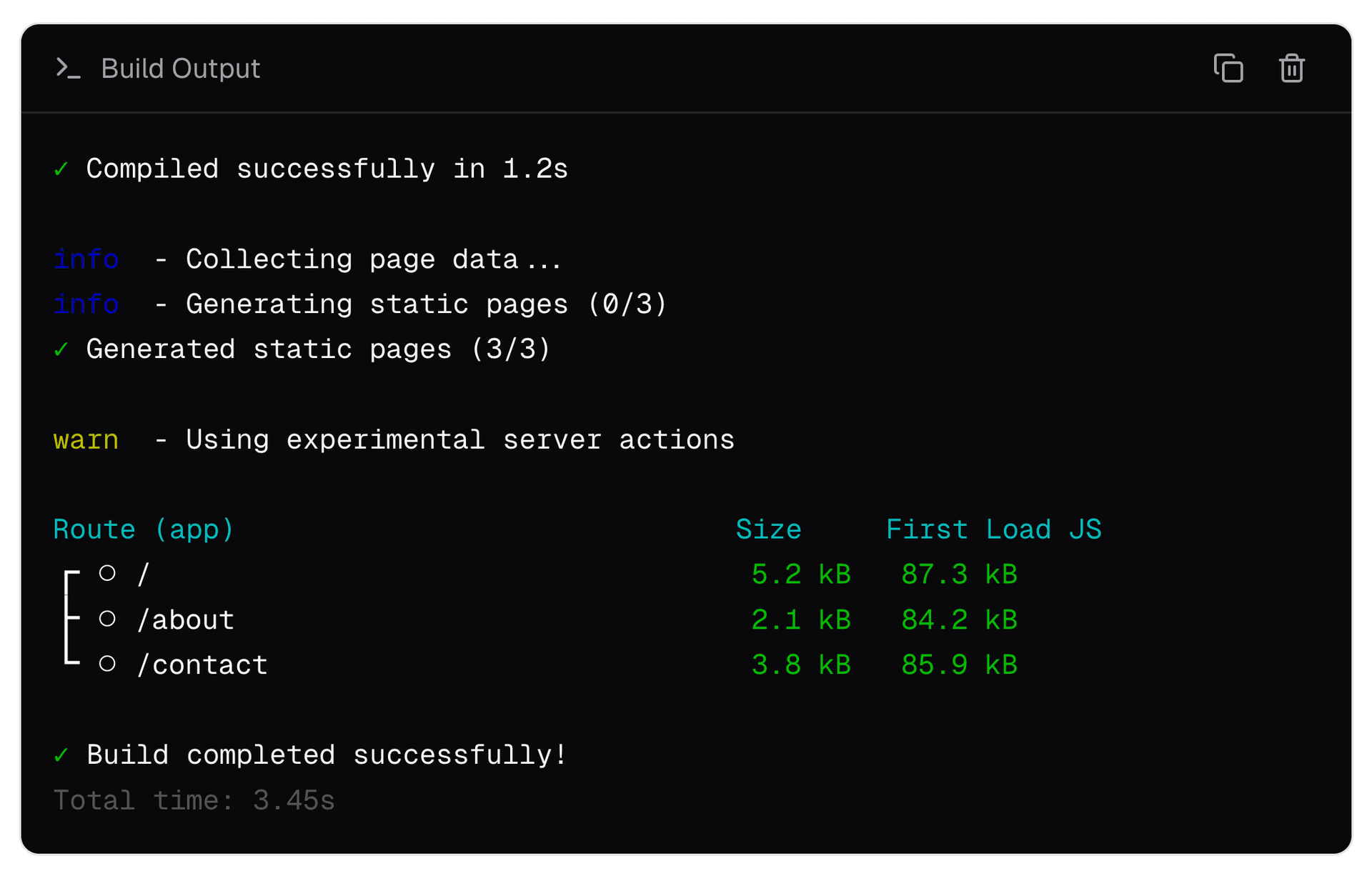
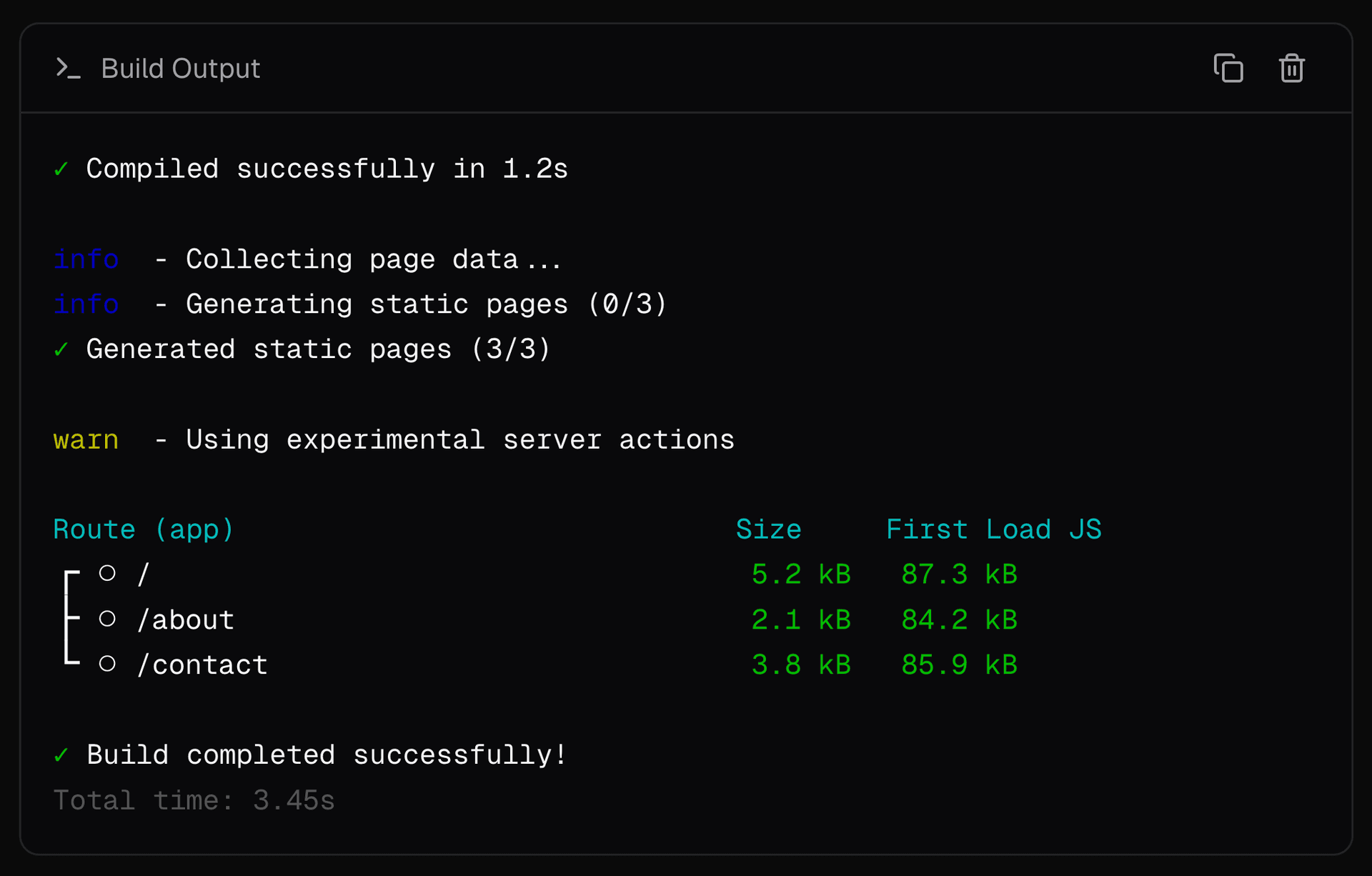
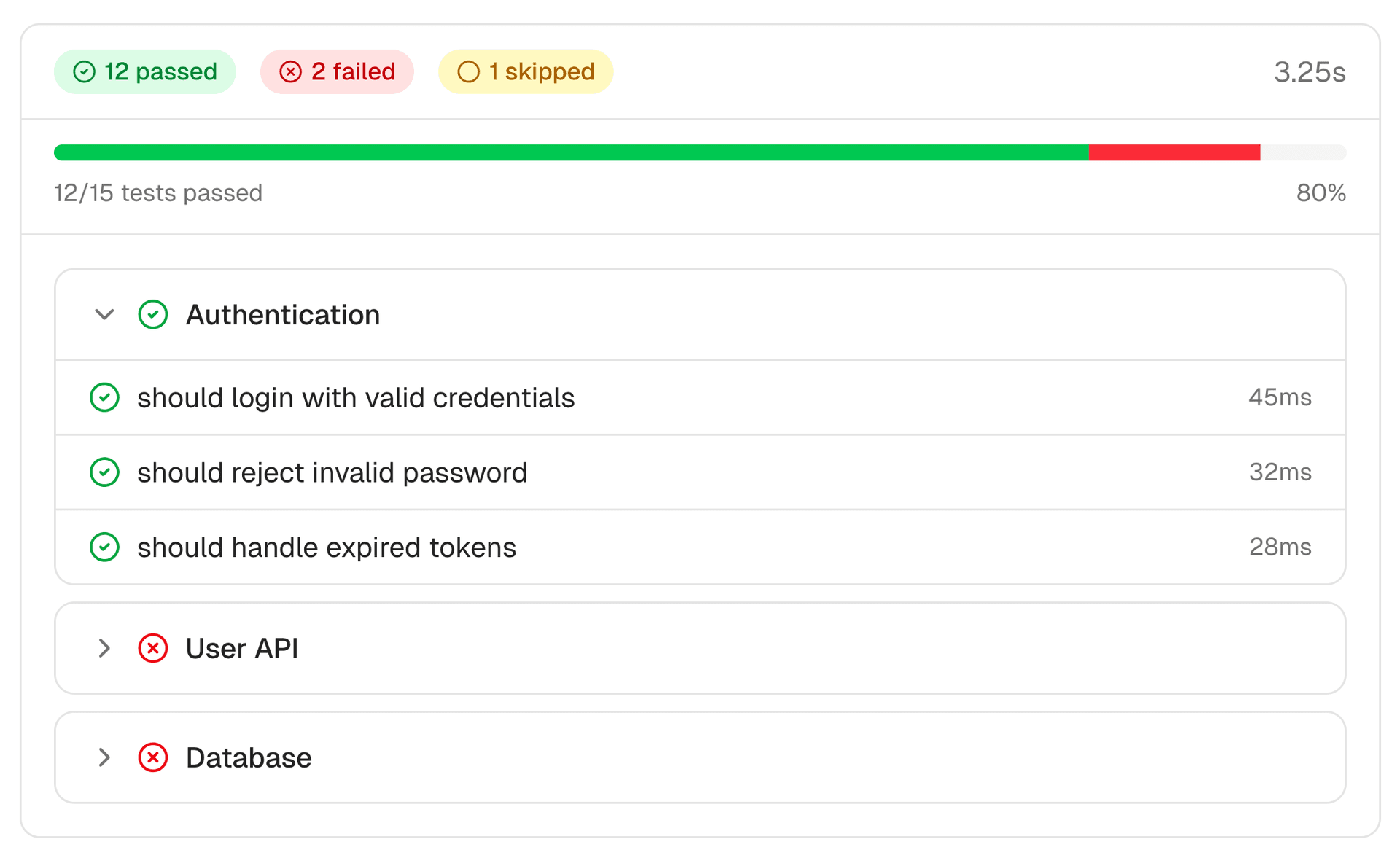
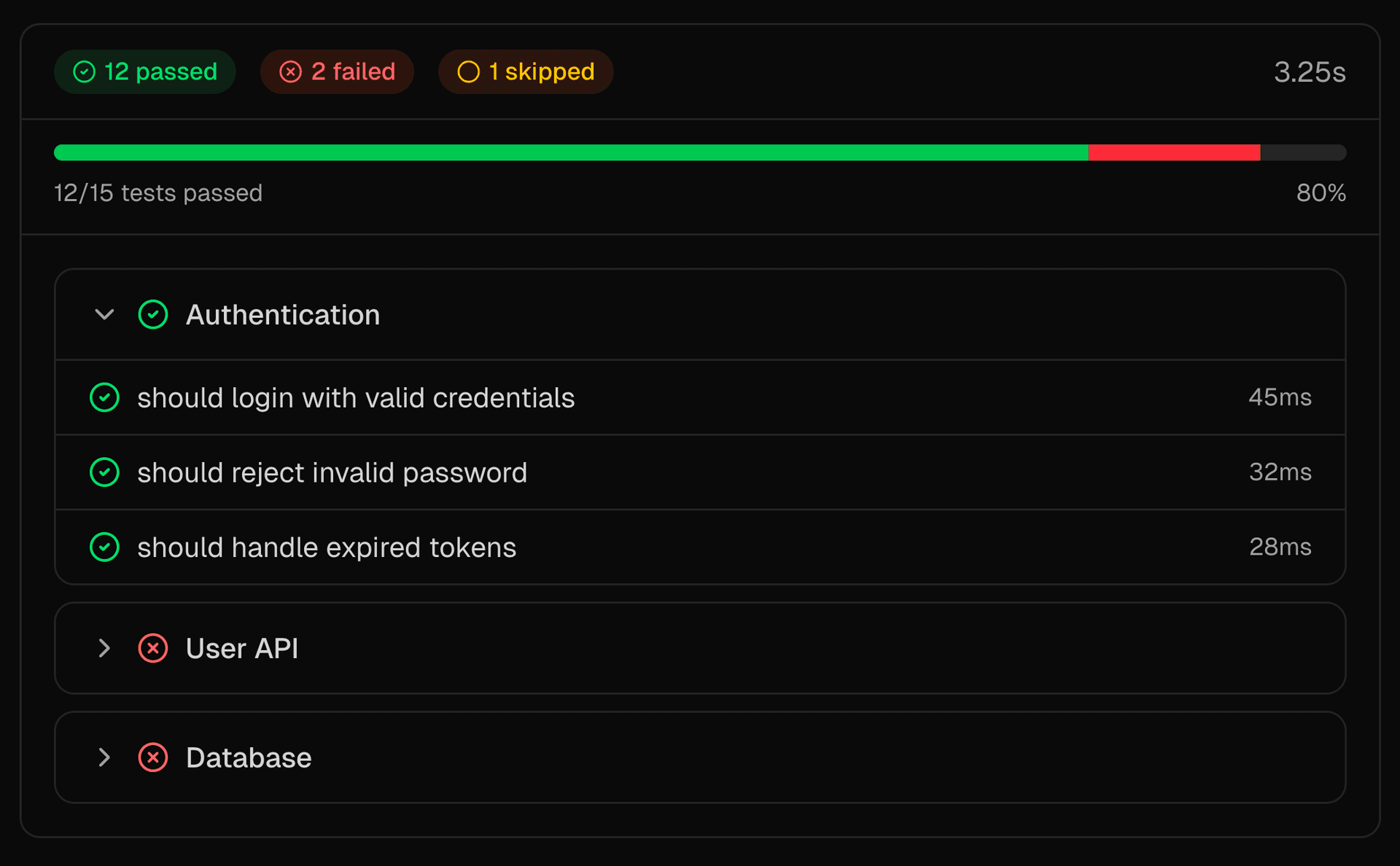
    The TestResults component displays test suite results (like Vitest) including summary statistics, progress, individual tests, and error details.

    npx ai-elements add test-results

    Link to headingBonus: <Attachments />

    Not code related, but since attachment were being used in Message, PromptInput and more, we broke it out into its own component - a flexible, composable attachment component for displaying files, images, videos, audio, and source documents.

    npx ai-elements add attachments

  • Use skills in your AI SDK agents via bash-tool

    Skills support is now available in bash-tool, so your AI SDK agents can use the skills pattern with filesystem context, Bash execution, and sandboxed runtime access.

    This gives your agent a consistent way to pull in the right context for a task, using the same isolated execution model that powers filesystem-based context retrieval.

    This allows giving your agent access to the wide variety of publicly available skills, or for you to write your own proprietary skills and privately use them in your agent.

    import {
    experimental_createSkillTool as createSkillTool,
    createBashTool,
    } from "bash-tool";
    import { ToolLoopAgent } from "ai";
    // Discover skills and get files to upload
    const { skill, files, instructions } = await createSkillTool({
    skillsDirectory: "./skills",
    });
    // Create bash tool with skill files
    const { tools } = await createBashTool({
    files,
    extraInstructions: instructions,
    });
    // Use both tools with an agent
    const agent = new ToolLoopAgent({
    model,
    tools: { skill, ...tools },
    });

    Example of using skills with bash-tool in an AI SDK ToolLoopAgent

    Read the bash-tool changelog for background and check out createSkillTool documentation.

  • Apply code suggestions from Vercel Agent with one click

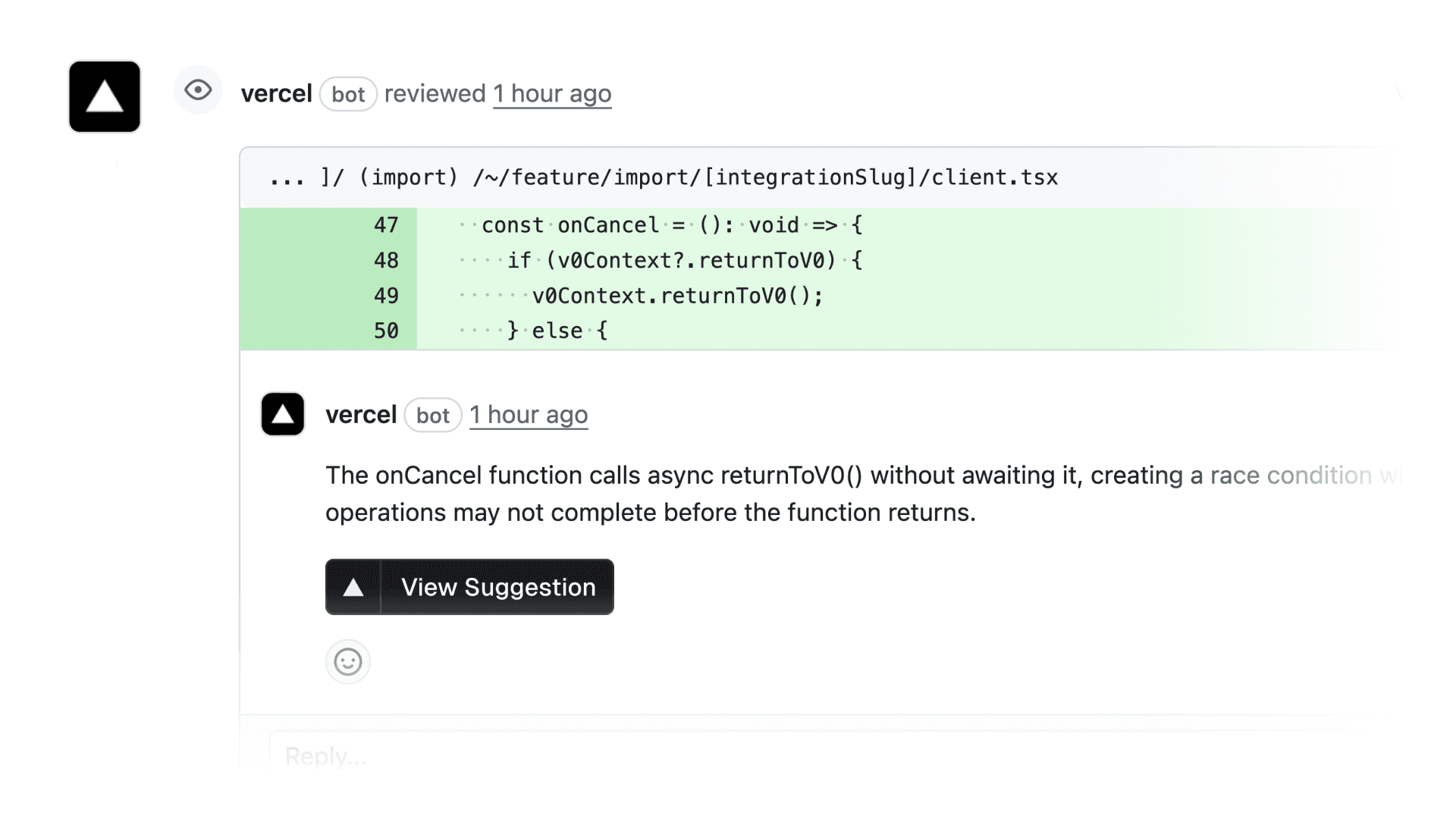
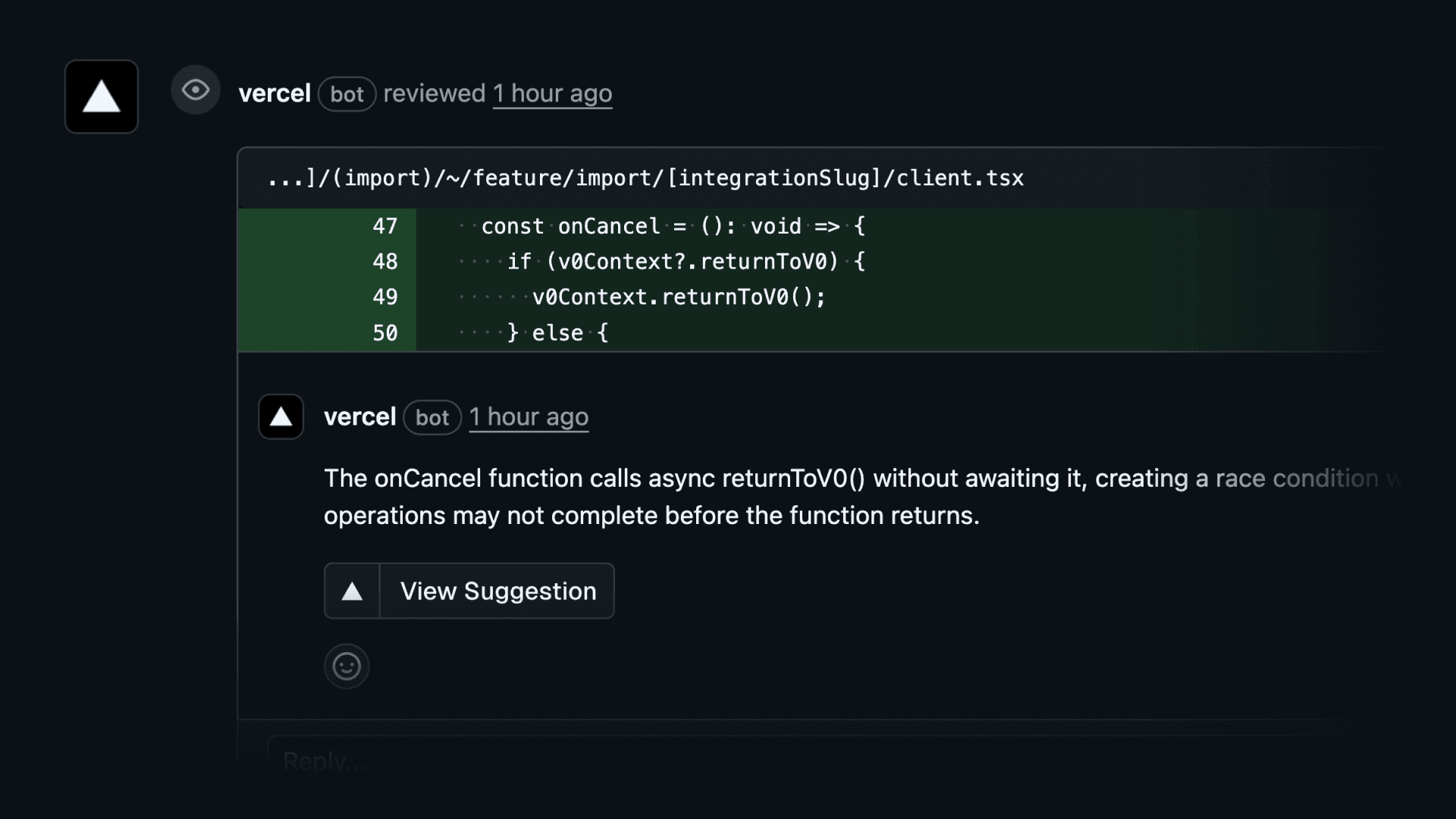
    You can now apply suggested code fixes from the Vercel Agent directly in the Vercel Dashboard.

    When the Vercel Agent reviews your pull request, suggestions include a View suggestion button that lets you commit the fix to your PR branch, including changes that touch multiple files.

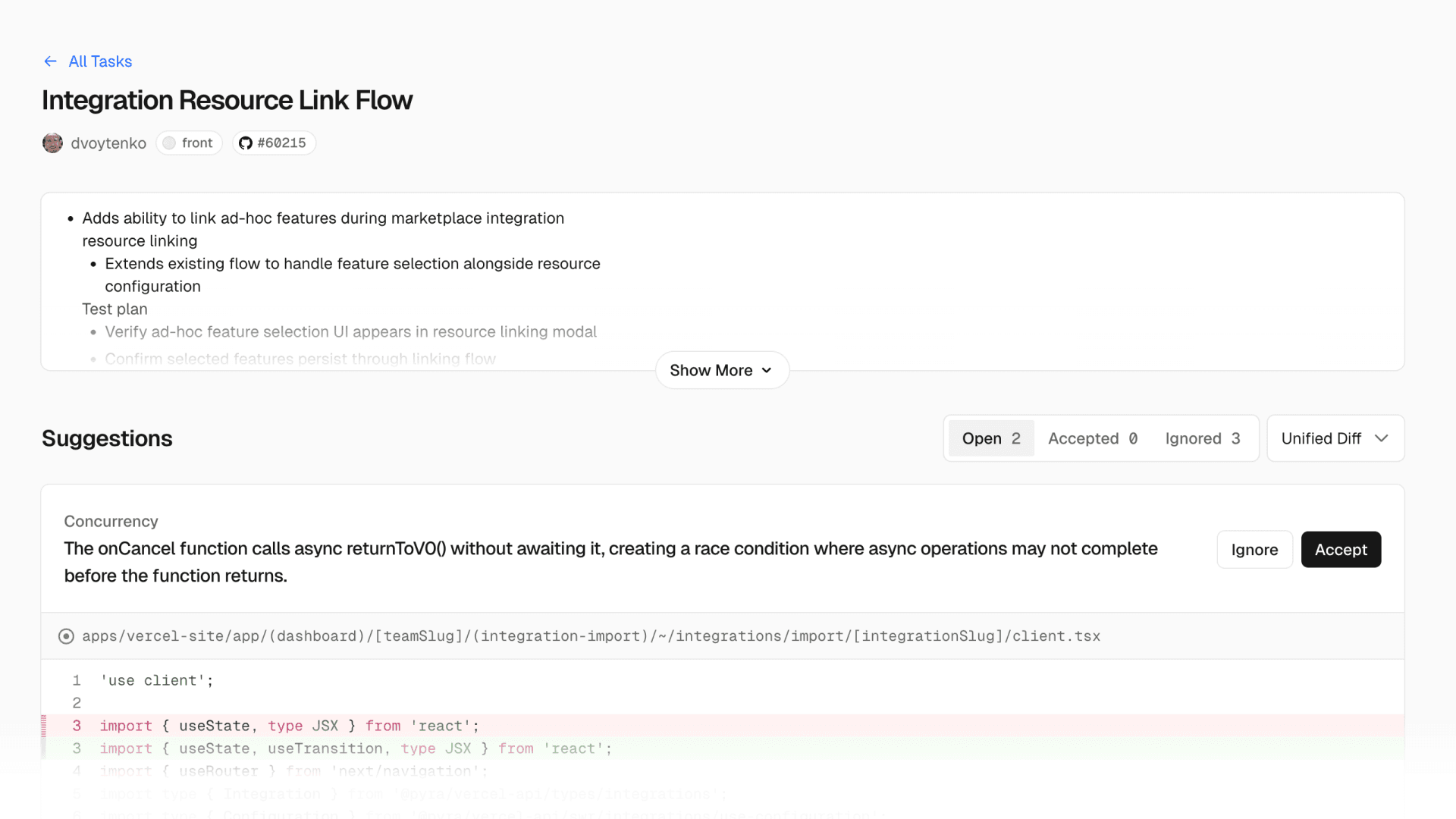
    Vercel Agent - Review suggestions on dashboardVercel Agent - Review suggestions on dashboard
    Vercel Agent - Review suggestions on dashboard

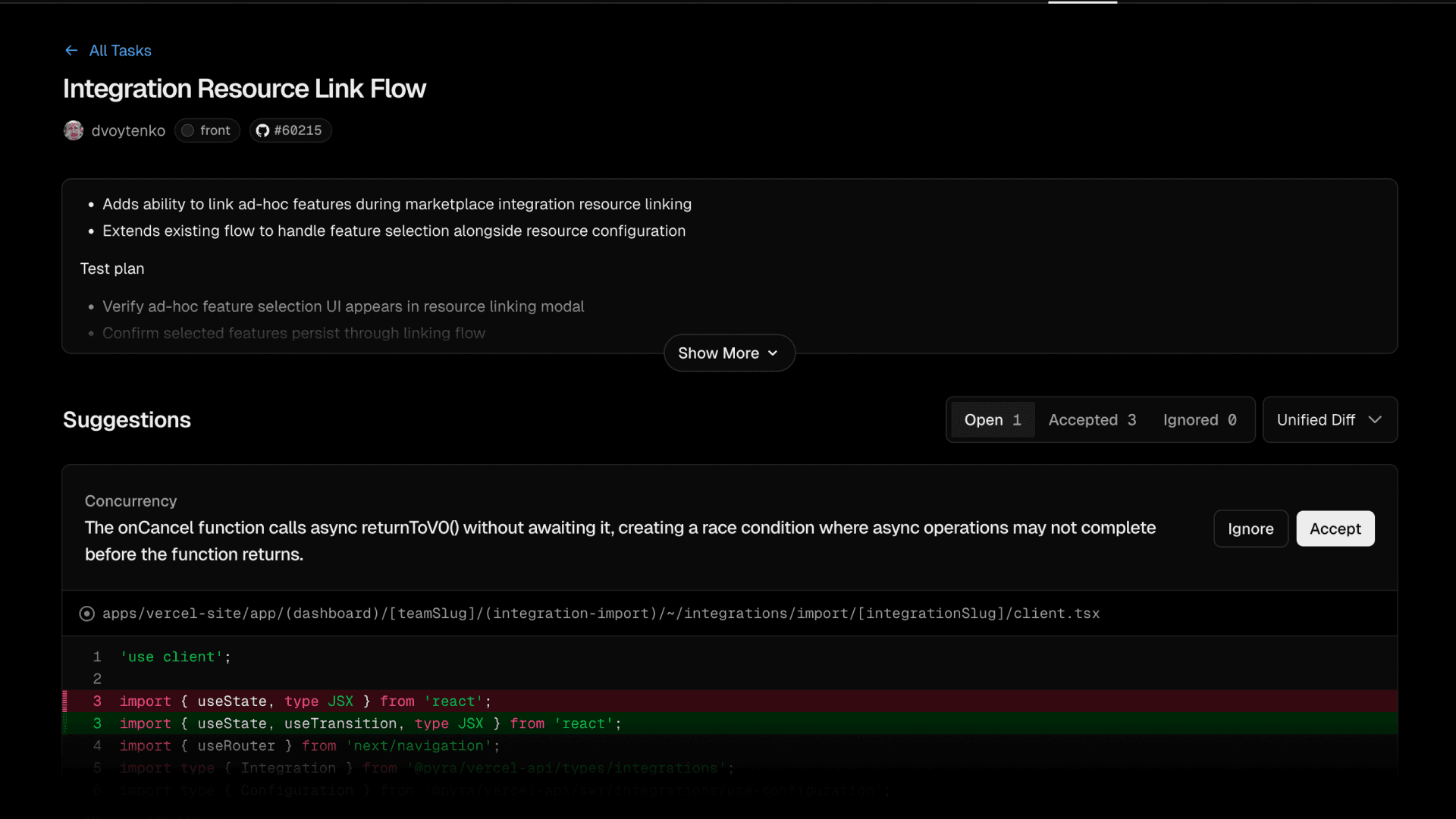
    Suggestions open in the dashboard, where you can accept them in bulk or apply them one by one.

    Vercel Agent - Reviewing and applying suggestions in bulkVercel Agent - Reviewing and applying suggestions in bulk
    Vercel Agent - Reviewing and applying suggestions in bulk

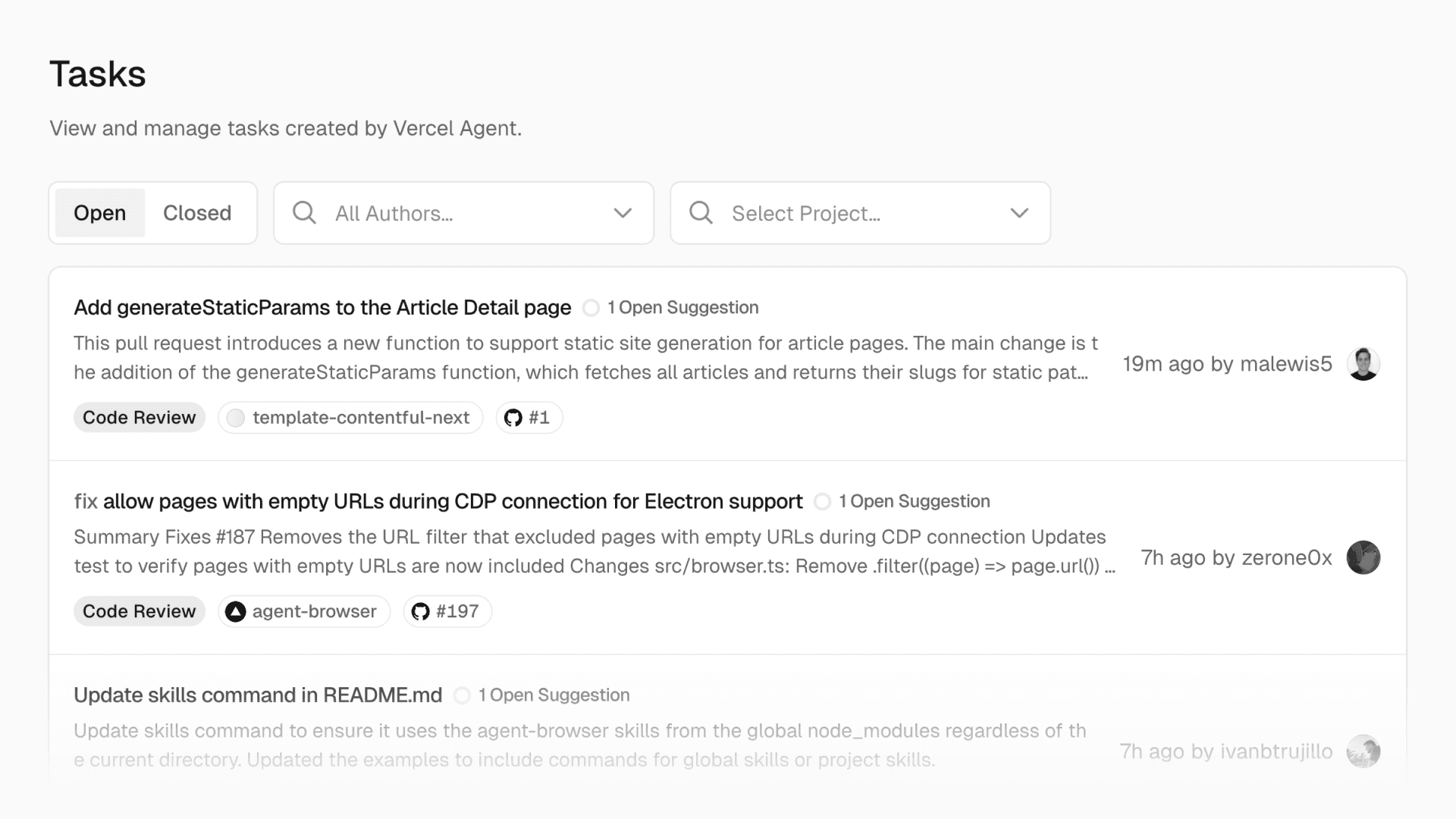
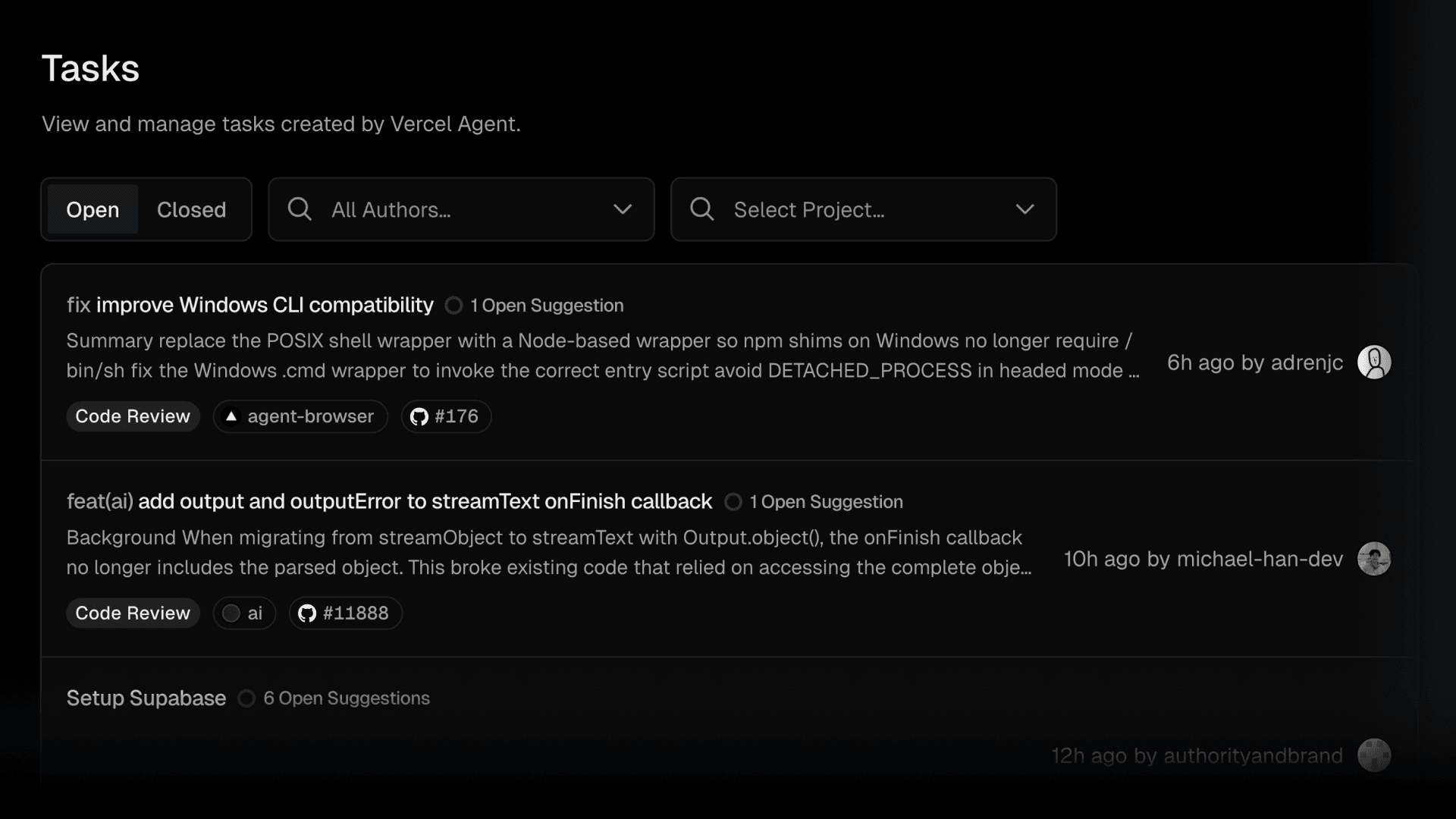
    After you apply a suggestion, the review thread is automatically resolved. You can also track multiple concurrent Vercel Agent jobs from the Tasks page.

    Vercel Agent - Tracking concurrent agent jobsVercel Agent - Tracking concurrent agent jobs
    Vercel Agent - Tracking concurrent agent jobs

    Get started with Vercel Agent code review in the Agent dashboard, or learn more in the documentation.

  • Introducing the Montréal, Canada region (yul1)

    vercel-yul1-darkvercel-yul1-dark

    Montréal, Canada (yul1) is now part of Vercel’s global delivery network, expanding our footprint to deliver lower latency and improved performance for users in Central Canada.

    The new Montréal region extends our globally distributed CDN’s caching and compute closer to end users, reducing latency without any changes required from developers. Montréal is generally available and handling production traffic.

    Teams can configure Montréal as an execution region for Vercel Functions, powered by Fluid compute to enhance resource efficiency, minimize cold starts, and scale automatically with demand.

    Teams with Canadian data residency requirements can also use Montréal to keep execution in Canada.

    Learn more about Vercel Regions and Montréal regional pricing

  • Introducing skills, the open agent skills ecosystem

    We released skills, a CLI for installing and managing skill packages for agents.

    Install a skill package with npx skills add <package>.

    So far, skills has been used to install skills on: amp, antigravity, claude-code, clawdbot, codex, cursor, droid, gemini, gemini-cli, github-copilot, goose, kilo, kiro-cli, opencode, roo, trae, and windsurf.

    Today we’re also introducing skills.sh, a directory and leaderboard for skill packages.

    Use it to:

    • discover new skills to enhance your agents

    • browse skills by category and popularity

    • track usage stats and installs across the ecosystem

    Get started with npx skills add vercel-labs/agent-skills and explore skills.sh.